
 X
X
 facebook
 WhatsApp
 Email
Email
Introduction
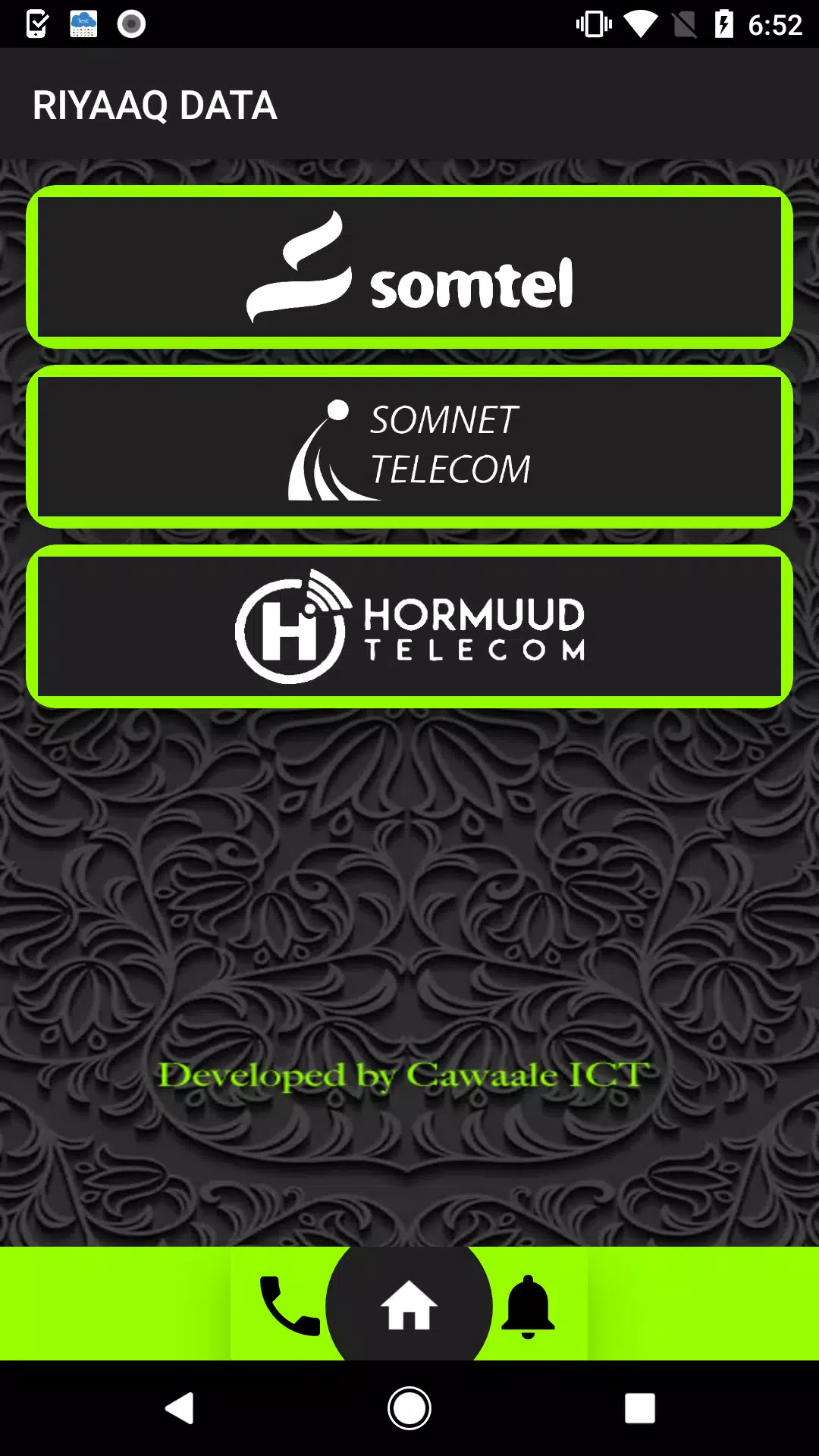
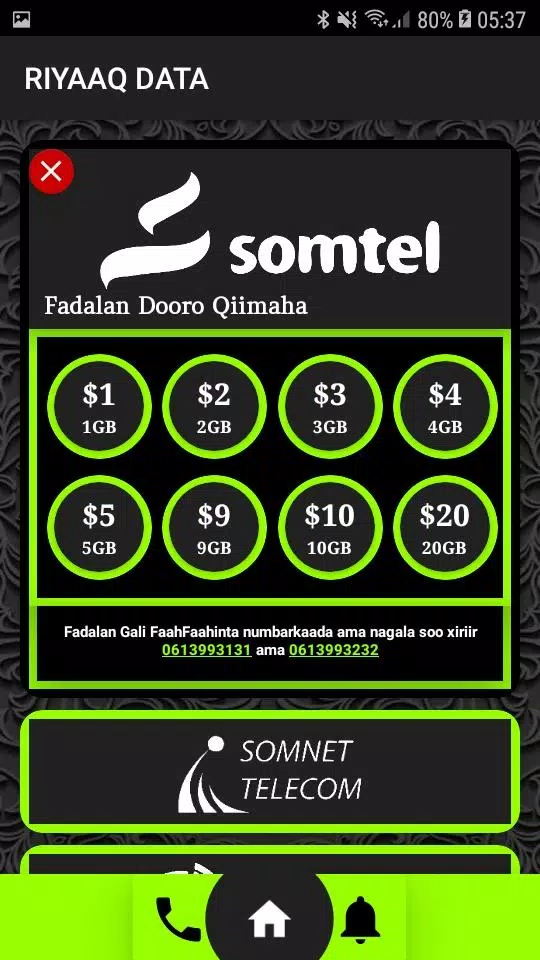
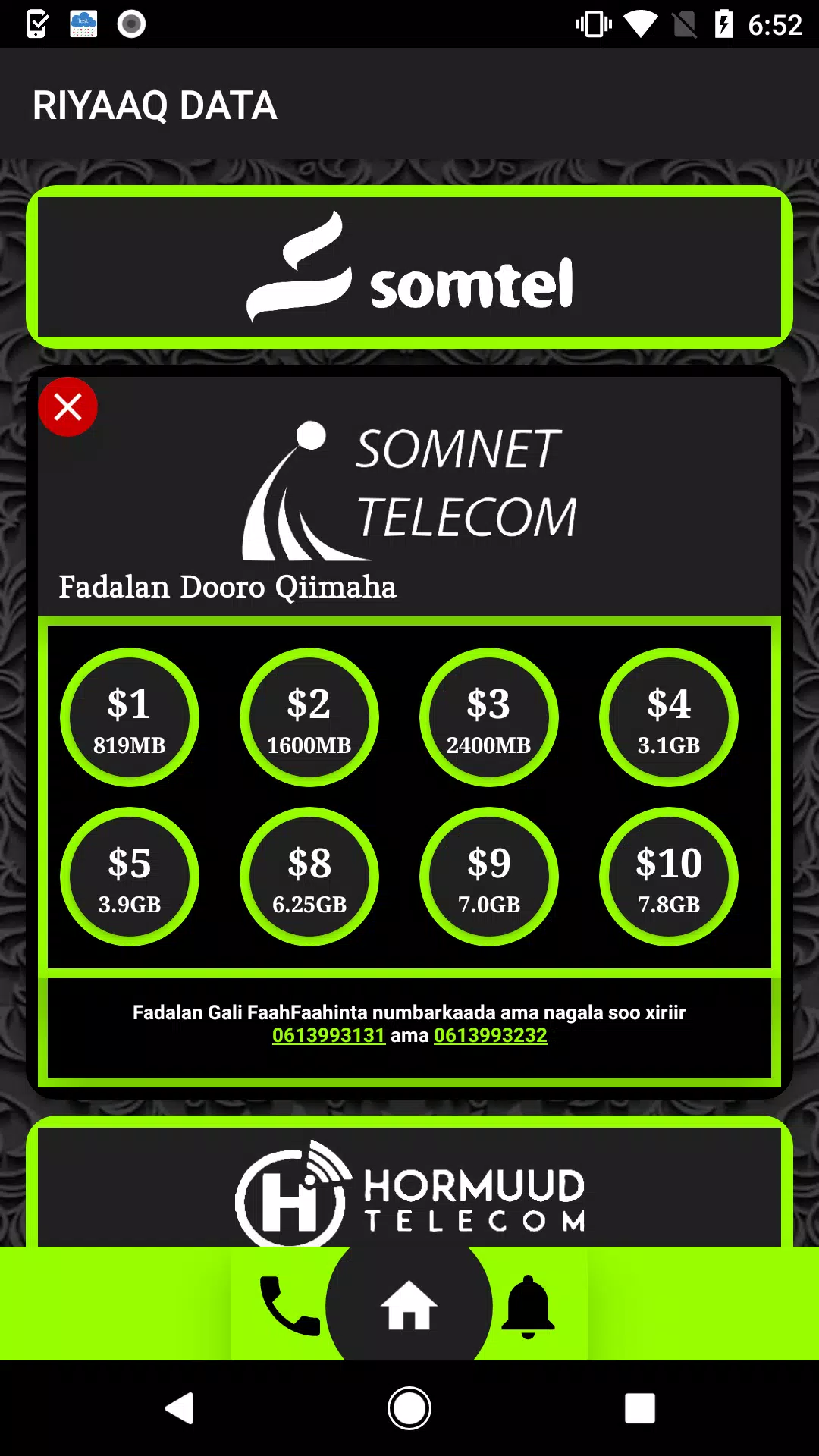
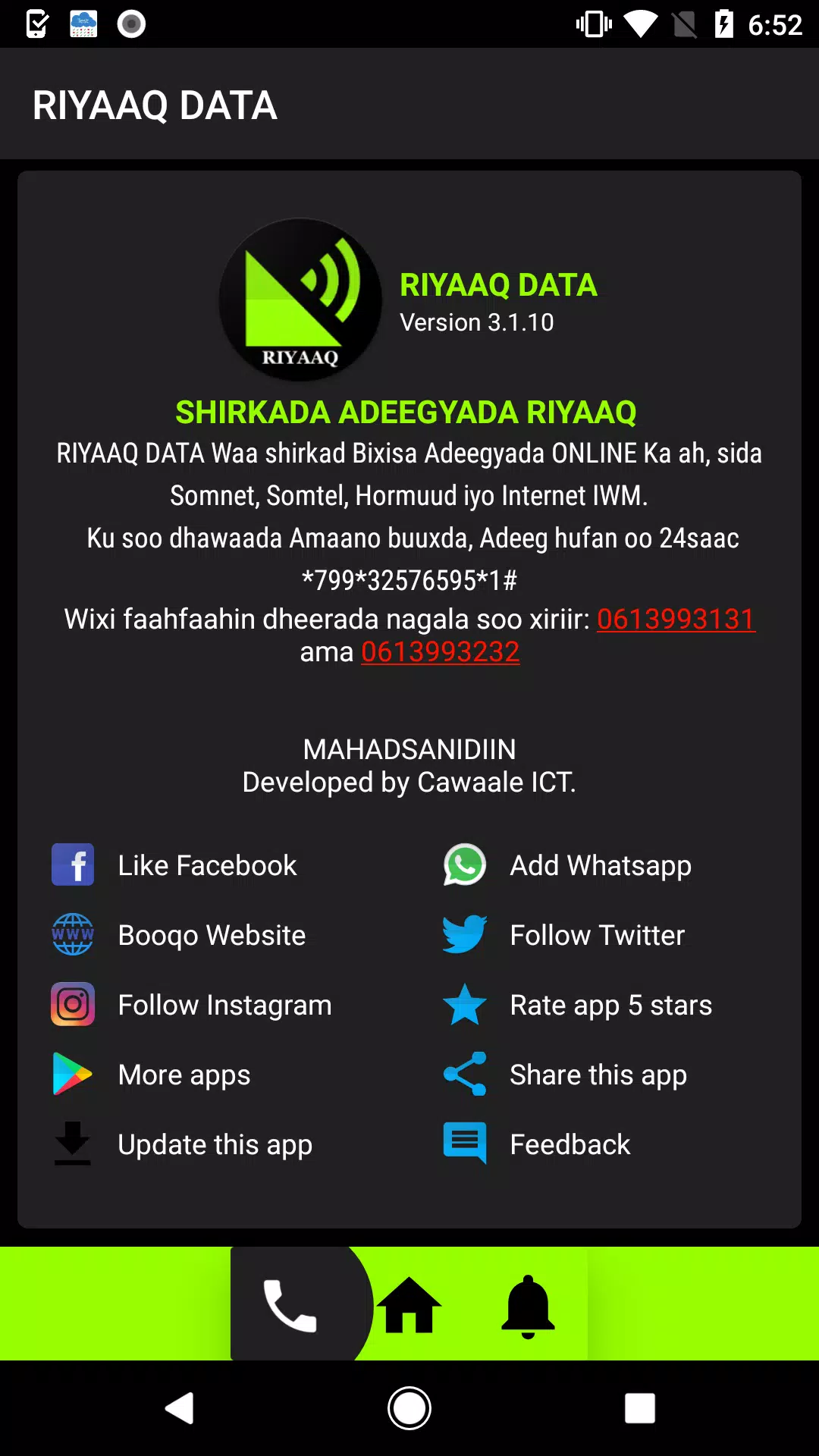
Riyaaq DATA is a productivity-focused Android app designed to centralize, visualize, and manage datasets on the go. It offers fast import/export options, a customizable dashboard, and lightweight analytics tools so professionals and power users can review important metrics and files without opening a laptop.
Overview of the app
Riyaaq DATA targets users who need a mobile-first way to access structured information. The app works with spreadsheets, CSVs, and common database exports, turning raw records into readable tables, charts, and quick summaries. Its minimal learning curve and practical feature set make it suitable for field workers, freelancers, and managers.
Core features at a glance
- Flexible Import: Load files from local storage, cloud accounts, or receive data through secure links.
- Table Viewer: Browse large datasets with column sorting, search filters, and freeze-pane mechanics.
- Light Analytics: Produce basic aggregations, trend lines, and pivot-like summaries without heavy processing.
- Export & Share: Save cleaned data or export visual snapshots to PDF and common spreadsheet formats.
How it works in daily use
Open a CSV or spreadsheet and Riyaaq DATA parses the structure automatically. You can rename columns, set data types, and apply quick filters. The app highlights anomalies such as missing values and duplicated rows so you can decide whether to clean or preserve them for later. When you need to present a subset, create a quick report that bundles a table view with an optional chart.
Tools and systems available
The internal toolkit emphasizes speed and clarity. A compact query builder lets non-technical users assemble multi-condition filters, and built-in formulas cover sums, averages, and conditional counts. For users who prefer visual insight, the charting module renders line, bar, and pie charts with a few taps. Riyaaq DATA also supports scheduled backups and periodic syncs with cloud storage providers.
Customization and workflow
Customization focuses on adapting the interface to your data habits. Choose which columns appear by default, set themes for light or dark environments, and create templates for recurring report types. Templates save filter combinations, selected metrics, and preferred chart formats so repeating tasks only take seconds. The app also supports keyboard shortcuts and external file association for power users.
Interface, performance, and responsiveness
The interface is clean and mobile-optimized. Large datasets are paginated with smooth scrolling and virtualization to keep memory usage low. Visual elements prioritize legibility: adjustable font sizes, contrast-aware color palettes, and accessible touch targets. In tests, Riyaaq DATA opens medium-sized CSV files quickly and maintains responsive filtering even on modest hardware.
User experience and collaboration
Collaboration is lightweight but practical. You can annotate rows, add comments to cells, and generate shareable links for read-only snapshots. When collaborators access a snapshot, they see the exact configuration of filters and charts you applied. This approach reduces version conflicts while preserving a simple sharing model that works over email and messaging apps.
Getting started tips for newcomers
- Import sample data: Start with a small CSV to explore parsing and column mapping.
- Use templates: Save a common report once and reuse it to save time.
- Leverage backups: Enable scheduled syncs to cloud storage to avoid accidental loss.
- Annotate entries: Use comments to keep context when sharing with others.
Why professionals choose it
Riyaaq DATA stands out because it balances utility and simplicity. It avoids overwhelming users with enterprise complexity while providing enough power to handle everyday data tasks. The app’s combination of quick visual summaries, practical export options, and offline capabilities makes it a reliable companion when desktop tools aren’t available.
Installation and compatibility notes
Riyaaq DATA installs directly from the Android package and requests standard permissions for file access and network sync. It is optimized for modern Android versions and works well on phones and tablets. For sensitive datasets, enable device encryption and use the app’s built-in passcode option to add an extra layer of protection.
For users seeking a straightforward way to manage and visualize datasets without switching devices constantly, Riyaaq DATA is a pragmatic choice that combines essential data tools with a mobile-friendly design.
Information
User Comments

MORSE is a compact utility designed to teach, translate and transmit Morse code using sound, light, and vibration. It bundles translation tools, practice drills, and live signaling in a single interface, making it suitable for hobbyists, emergency-preparedness users, and anyone curious about learning the classic communication system.

ENTER is a mobile app that makes it simple to manage your account and services with a multiservice communications operator. The app combines payments, contract details and technical support into a single, easy-to-use interface so you can top up your balance by bank card, review connected services, switch tariff plans or temporarily suspend service without visiting an office. ENTER focuses on everyday convenience: secure card payments, transparent contract information and live chat support that let customers handle most telecom tasks quickly from their phone.

xSpaces is a compact workspace manager for Android that organizes apps, files, and shortcuts into customizable virtual spaces. It streamlines multitasking with gesture controls, quick profiles, and integrated cloud access, making it easier to switch contexts without clutter while keeping data secure and accessible on the go.

PuroSabor FM is a focused radio streaming app that brings Latin music, live shows, and talk programs into a compact interface. With easy station browsing, curated playlists, and background playback, it aims to make tuning into regional favorites simple whether you're commuting, working, or relaxing at home.
Riyaaq DATA is a productivity-focused Android app designed to centralize, visualize, and manage datasets on the go. It offers fast import/export options, a customizable dashboard, and lightweight analytics tools so professionals and power users can review important metrics and files without opening a laptop.

Smart TubeWell is a mobile-driven SCADA solution designed to bring practical IoT control and monitoring to traditional tube well installations. From a single smartphone you can view live pump status, basic water-quality indicators, flow rates and energy consumption while issuing remote start/stop and flow-adjustment commands. The app focuses on making routine checks faster, reducing unnecessary site visits, and helping managers prioritize field work by centralizing telemetry and notifications in a simple, mobile-first interface.