

 X
X
 facebook
 WhatsApp
 Email
Email
Introduction
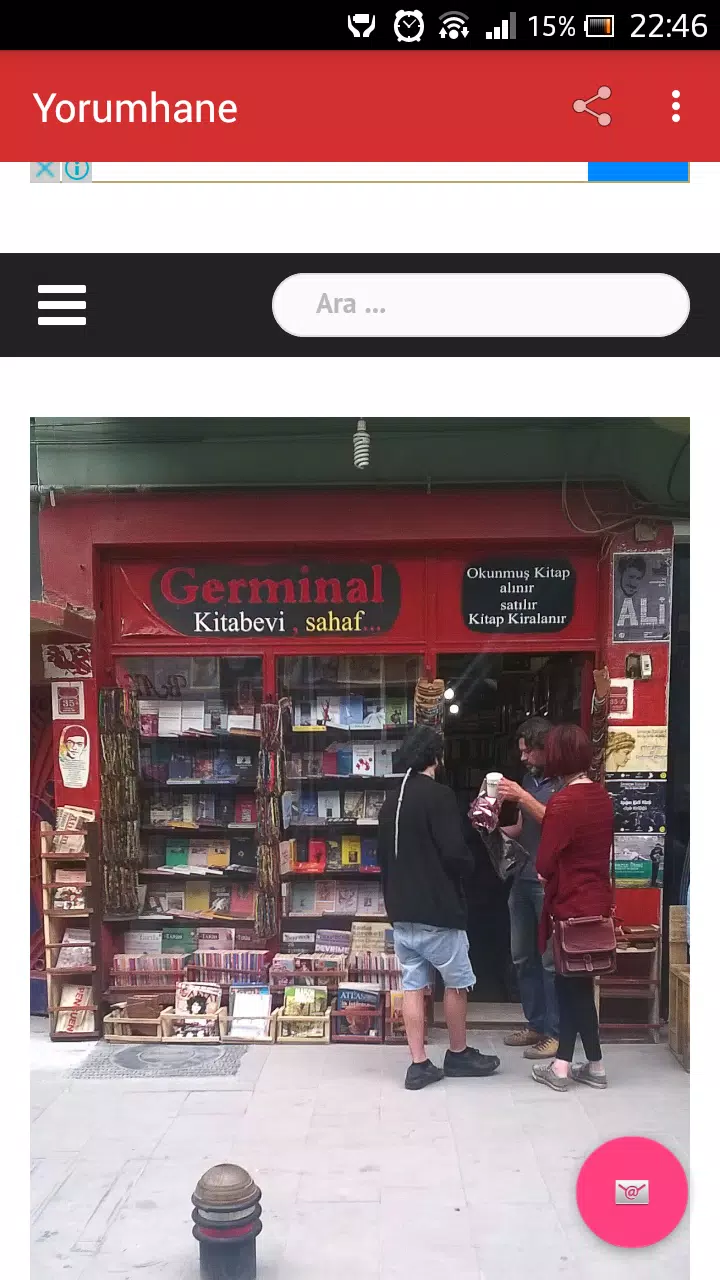
Yorumhane brings the curated content of a popular blog directly to your Android device, putting articles, commentary and a focused reading experience into a single, lightweight app. Yorumhane organizes well-researched pieces across lifestyle, technology, culture and politics so you can browse topics that match your interests and follow conversations on individual posts. The app emphasizes a clean reading layout and streamlined navigation while providing tools to save articles for offline use, participate in comment threads and manage basic privacy settings.
Key Features
The core of Yorumhane is an organized feed of editorial content separated into clear categories and topic pages that make discovery straightforward. Each article opens in a distraction-reduced reader with adjustable text flow, and items can be saved to a local reading list for offline access. Built-in commenting enables readers to join discussions on posts; moderation controls and simple reporting tools help keep community threads constructive. Search and simple filters help narrow results by tag, date or category so you can jump to what matters most without digging through unrelated posts.
User Experience and Controls
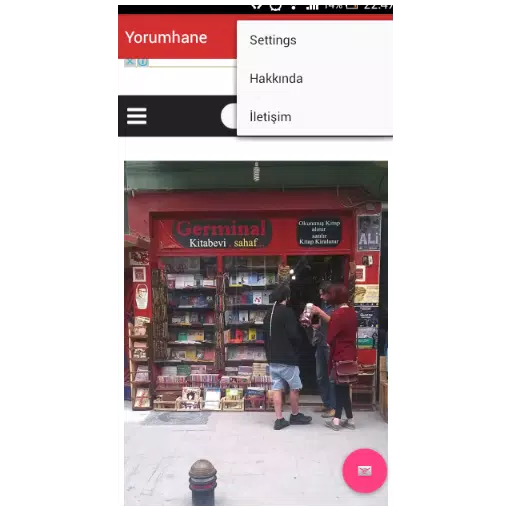
Navigation in Yorumhane is touch-centered and designed for fast, natural interaction: tap headlines to open articles, swipe between items in a topic view, and use clear on-screen buttons to save, share or return to a list. The reader offers straightforward controls to change font size and line spacing for comfortable long-form reading and supports a compact summary view for skimming headlines. These controls are purposely minimal to reduce learning curve while still giving users enough options to tailor the reading surface to personal preference.
Reading Progression and Personalization
While Yorumhane is not a game, it provides a simple progression experience through saved articles and reading history: your saved queue and recently read list make it easy to continue where you left off, and curated topic pages evolve as new posts are published. The app surfaces recommended articles within the categories you follow, helping you progress from introductory pieces to deeper, more specialized coverage without overwhelming the home feed. Personalization is focused on content selection—choosing categories, saving articles and following conversations—rather than competitive or multiplayer features.
Visual Style and Accessibility
Visual design favors legibility: uncluttered typography, balanced margins and a neutral color palette keep attention on the text and images of each article. Yorumhane supports accessibility needs with adjustable font sizes, high-contrast readability and layouts that preserve text flow when zooming. The app is built to be responsive on a range of Android screen sizes so paragraphs remain easy to read whether you’re on a phone or a larger tablet display.
Offline Reading and Data Protection
Offline reading in Yorumhane relies on manual saving of articles to your device, which lets you build a temporary library for flights or locations without connectivity. Saved items are stored locally and can be managed or removed from within the app to control storage use. Privacy is a core principle: the app offers basic privacy settings and limits background data collection where possible, and account-related features are kept optional to avoid forcing personal information where it isn’t needed.
Advantages
Yorumhane provides convenient mobile access to steady editorial content with a focus on thoughtful writing and reader interaction. The app’s clean interface and reading-first layout reduce visual clutter and improve concentration, while offline saving and straightforward navigation make it practical for daily use. Privacy-minded defaults and simple moderation tools also help create a more trusted environment for community discussion.
Limitations
Because content is derived from a single editorial source, Yorumhane may not cover every niche topic you can find elsewhere, and the diversity of comment threads depends on who participates and how active moderation is at a given time. Offline access requires proactively saving articles before you go offline, and while the app provides useful reader controls, it intentionally avoids complex feature sets to keep the experience lightweight and focused on reading.
Information
User Comments

OM Manager is a mobile utility designed to simplify on-site configuration of WISI OM10 micro headend hardware from Android phones and tablets. OM Manager connects to supported OM10 devices over Bluetooth so technicians can discover units, review current settings and make adjustments to network parameters, user accounts and saved configurations without a PC. The app focuses on efficient, repeatable workflows for installation and routine maintenance, helping teams keep multiple headends consistent while reducing time spent traveling to a central workstation.

MAMUSDA 2019 is a mobile application designed to catalog and manage information about mosques and prayer halls as part of a Community Service Program (KKN) themed Berdaya. The app helps users find nearby mosques, view contact details, prayer schedules, available facilities, and historical background, making it easier to connect with local religious spaces. Users may want MAMUSDA 2019 for its centralized directory, interactive maps, and simple administrator tools that keep mosque profiles current—useful for community members, program coordinators, and anyone seeking reliable worship-place information.

moviedplays Madden NFL 17 is a free mobile app that delivers curated HD video tutorials and play breakdowns for players seeking to improve their Madden NFL 17 performance. The app installs a library of high-definition videos focused on plays, formations and in-game decision-making, presented through a simple, smartphone-friendly interface. Users will appreciate clear visual demonstrations that make advanced strategies easy to follow, whether they are casual players or competitive ones. By providing step-by-step walkthroughs and professional techniques, moviedplays Madden NFL 17 helps users learn faster and gain confidence while playing the football simulation on their device.

expo NAVIGATION is a native event navigation app built to make trade fairs and conferences easier to navigate, whether you are moving between halls, across outdoor exhibition areas or up and down multiple floors. expo NAVIGATION places schedules, interactive maps and exhibitor details in one consistent interface so attendees can find sessions, bookmark booths and capture contact information without juggling paper plans or separate websites. The design emphasizes clear, multi-level routing and simple controls so visitors and staff get accurate guidance in busy on-site conditions.

iPalika is an Android application that connects citizens with their local municipal office, providing a single place to receive notices, view upcoming programs, access important documents and contact officials. The app streamlines everyday interactions by offering one-click complaint submission, emergency contact details, and bilingual support in Nepali and English, so residents can report issues and stay informed quickly. Municipal staff use iPalika's employee login and dashboard to manage tasks, collect community data and push timely announcements. For anyone who wants easier access to local services and clearer communication with local government, iPalika simplifies and digitizes those routines.

kubenav - Kubernetes Dashboard is a cross-platform application for mobile and desktop that brings cluster operations into one consistent, readable interface so engineers can inspect, troubleshoot and act without switching tools. The app places core cluster concepts — clusters, namespaces, workloads and pods — into a single view and surfaces logs, events, resource YAML and an integrated remote shell so you can identify issues, apply fixes and scale resources directly from your phone or laptop.