
 X
X
 facebook
 WhatsApp
 Email
Email
Introduction
OM Manager is a mobile utility designed to simplify on-site configuration of WISI OM10 micro headend hardware from Android phones and tablets. OM Manager connects to supported OM10 devices over Bluetooth so technicians can discover units, review current settings and make adjustments to network parameters, user accounts and saved configurations without a PC. The app focuses on efficient, repeatable workflows for installation and routine maintenance, helping teams keep multiple headends consistent while reducing time spent traveling to a central workstation.
Key Features
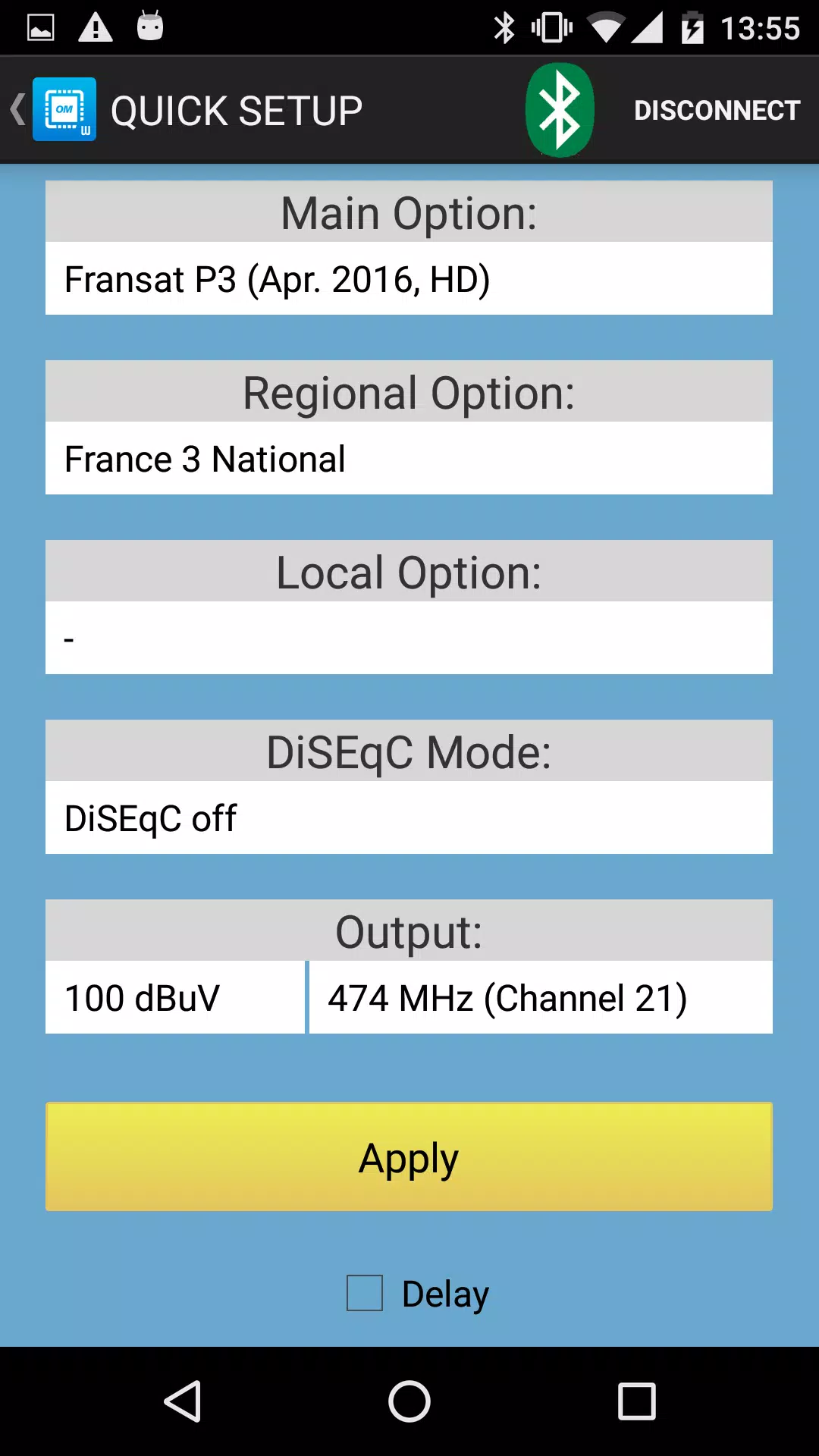
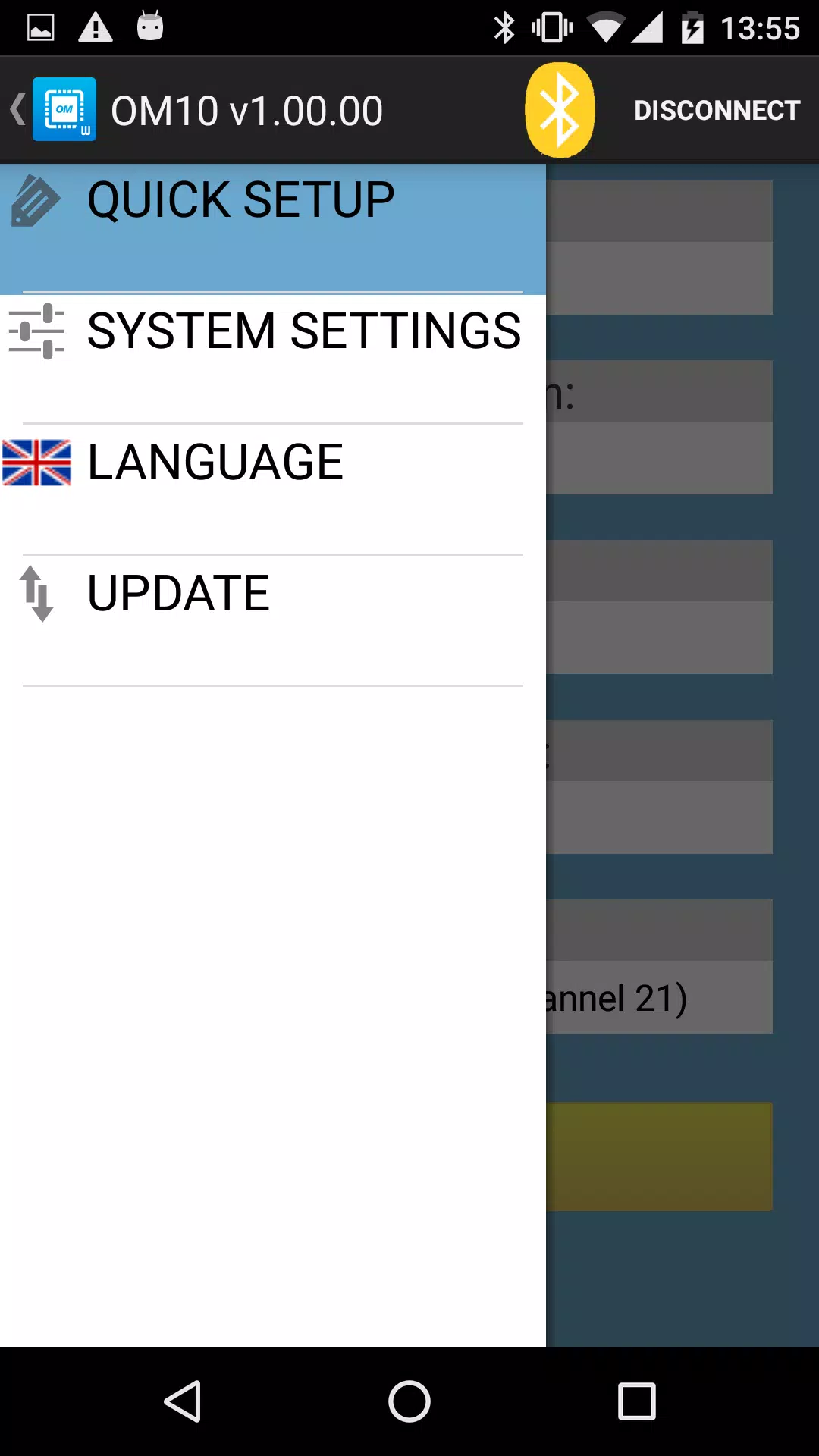
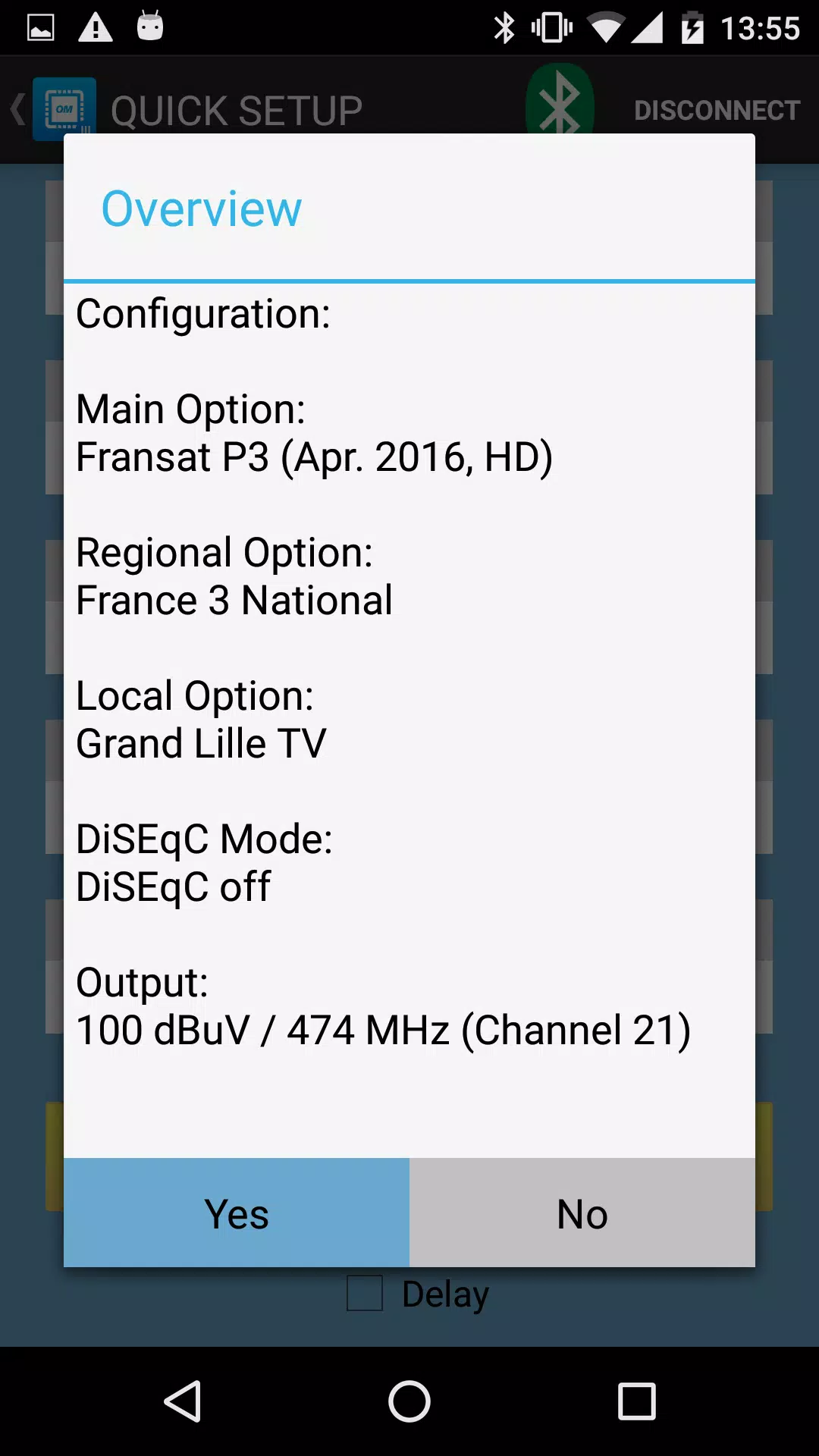
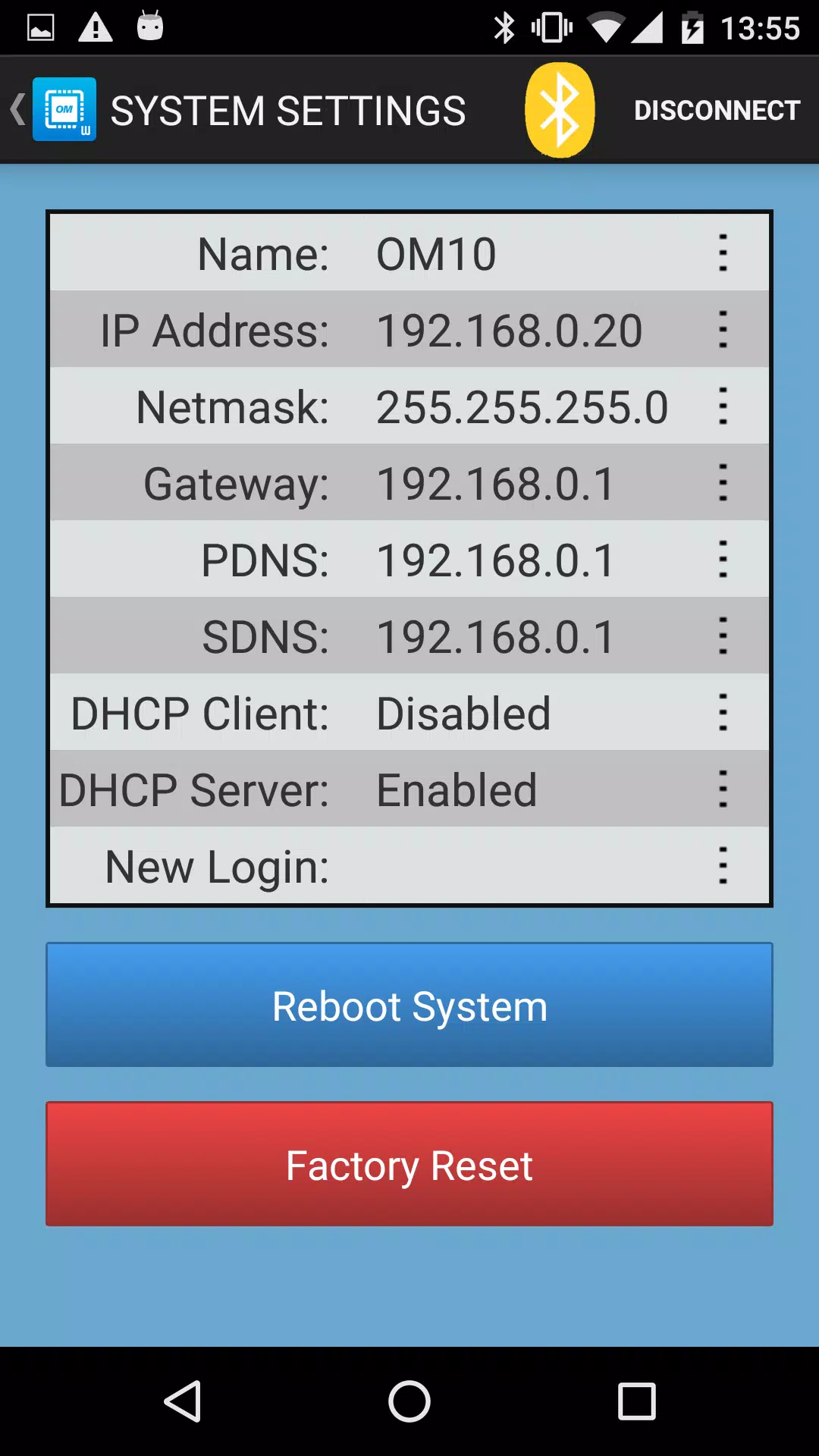
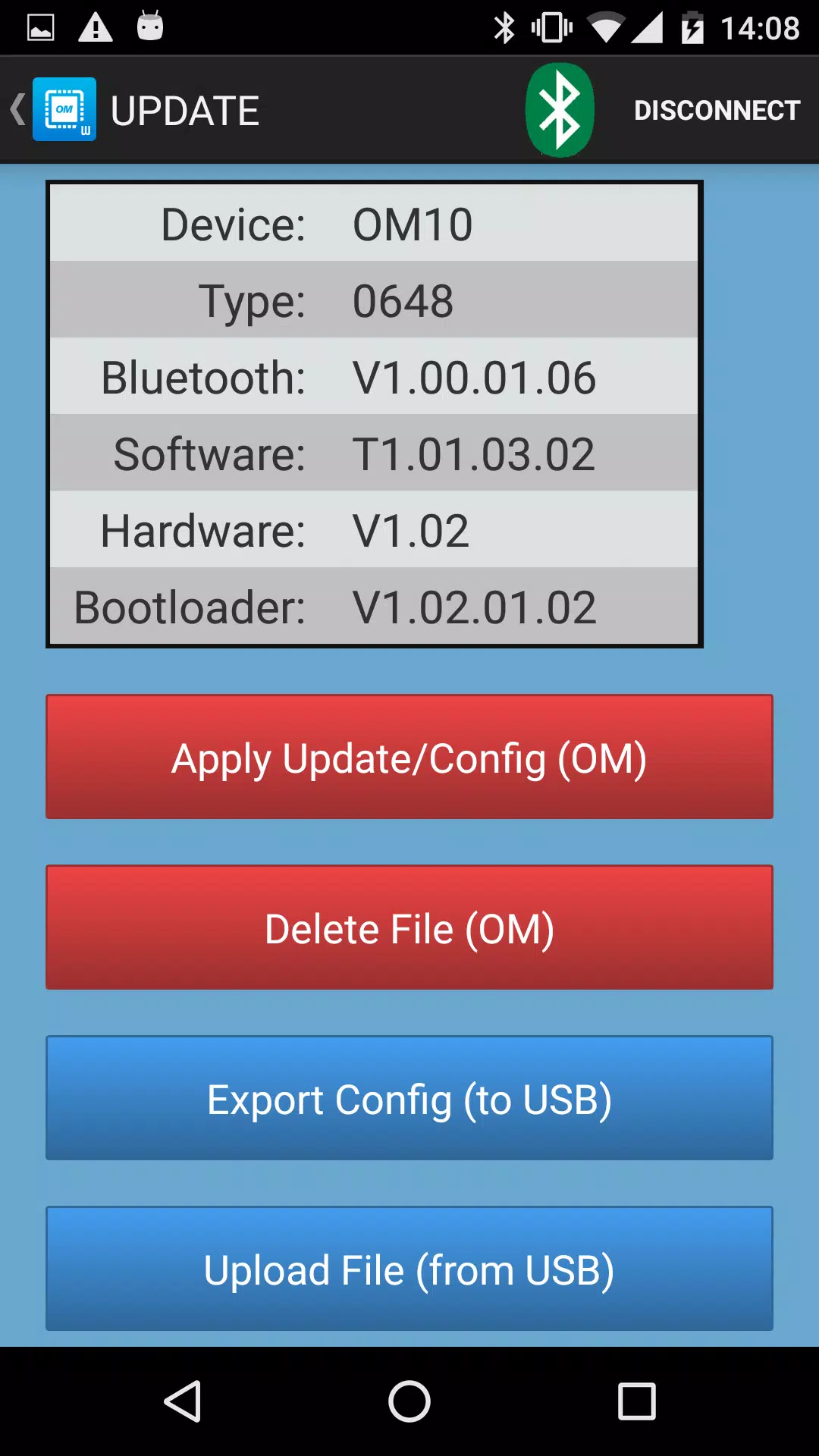
The app offers a direct Bluetooth connection to WISI OM10 headends for mobile configuration and retrieval of device data. You can edit IP addresses, configure DHCP behavior and set or rename devices from a touch-friendly interface. User and password management is handled in-app so credentials can be applied to a unit when required and kept with local backups. OM Manager supports loading configuration files onto a unit as well as saving current setups to the device for later reuse, enabling consistent deployments across multiple headends. Quick setup guides are included for the OM10F 0646 and OM10F 0648 models, and the app explicitly supports OM 10 0646, OM 10 0648, OM 10F 0646 and OM 10F 0648 device variants.
How It Works
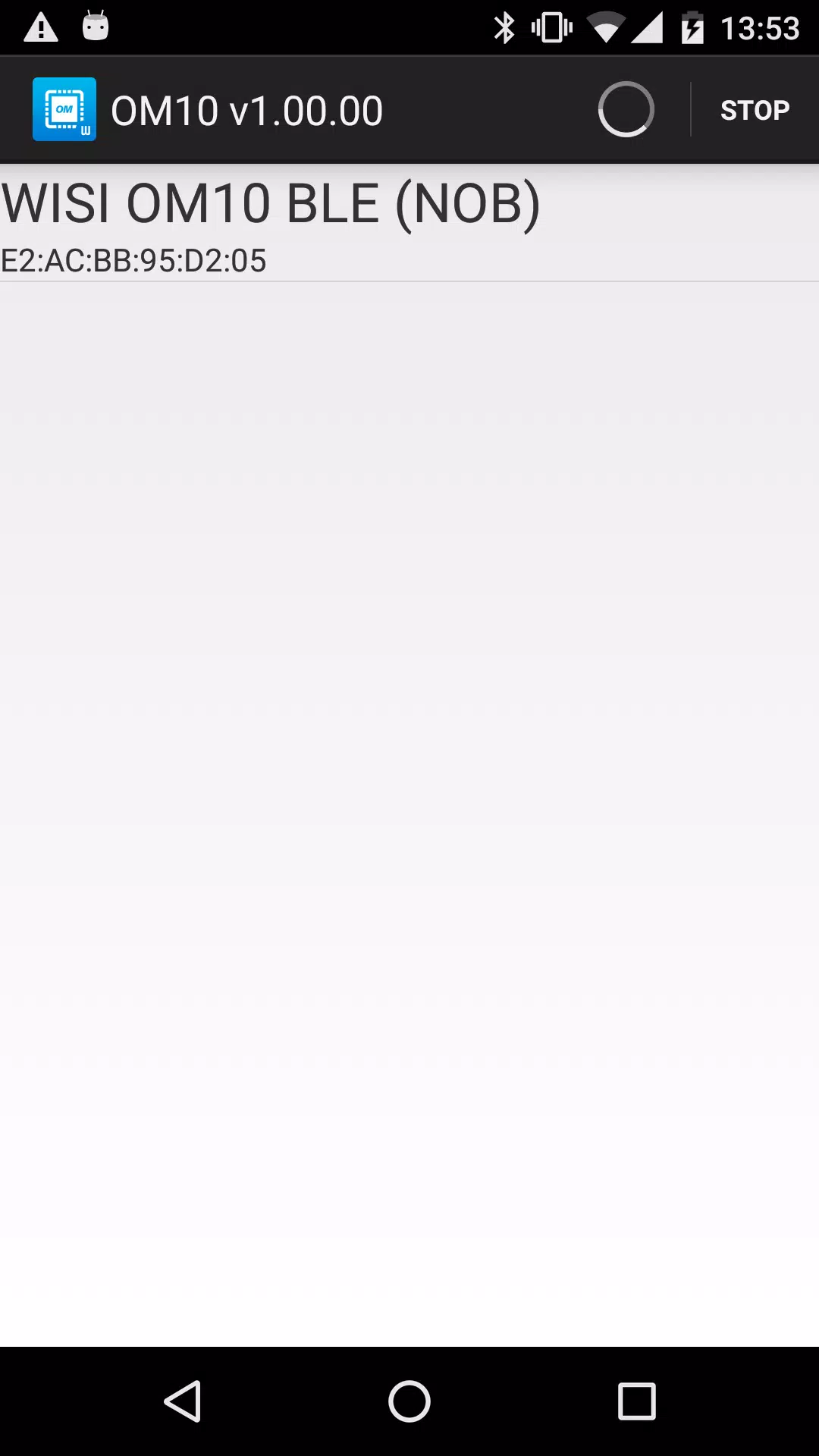
Discovery begins with a Bluetooth scan to list nearby OM10 units; selecting a unit opens a detailed settings view so you can inspect network and system parameters. Changes are entered into clearly labeled fields with validation for common inputs such as IP addresses and subnet masks to reduce configuration errors. The app allows you to push a configuration to a device or to pull the current configuration for review. When you save a configuration to your device it becomes available as a template for later application to other headends, which is particularly useful when commissioning multiple units in a single installation.
Controls and Workflow
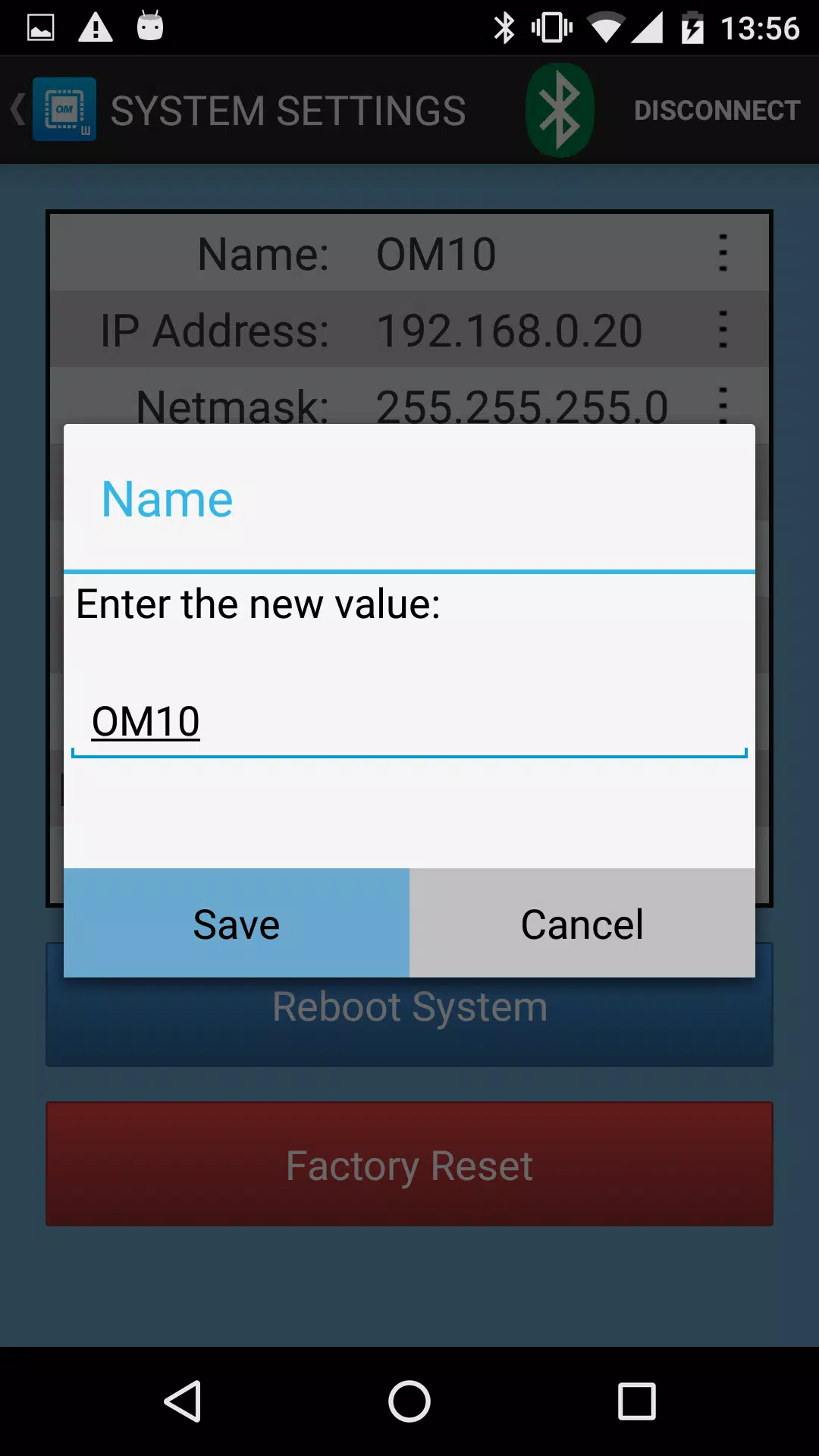
Interaction is optimized for technicians working on ladders or in tight spaces: controls are large and simple, form fields are grouped by task, and step-by-step setup screens guide you through common procedures for OM10F models. The workflow emphasizes confirmation before applying changes to avoid accidental edits and includes progress feedback during Bluetooth transfers so you can confirm a successful update. Simple logging of configuration operations helps you track which profiles were applied and when, aiding handover and documentation of field work.
Progression and Reuse
Deployment progression is represented by straightforward stages: discovery, inspect, edit, apply and verify. This linear progression helps newcomers follow a predictable process while allowing experienced engineers to move quickly through repetitive tasks. Saved configuration files act as reusable building blocks: store a tested profile once and apply it to any compatible headend to create consistent network behavior and reduce the chance of human error when scaling installations.
Visual Style and Accessibility
The interface emphasizes clarity and legibility with high-contrast text, clear labels and an uncluttered layout so technicians can read settings under varied lighting conditions. Fields are grouped logically to reduce cognitive load and the app respects system font size and basic accessibility settings to help users who prefer larger text. Menus and dialogs are kept concise to minimize distraction during site work.
Offline Use and Security
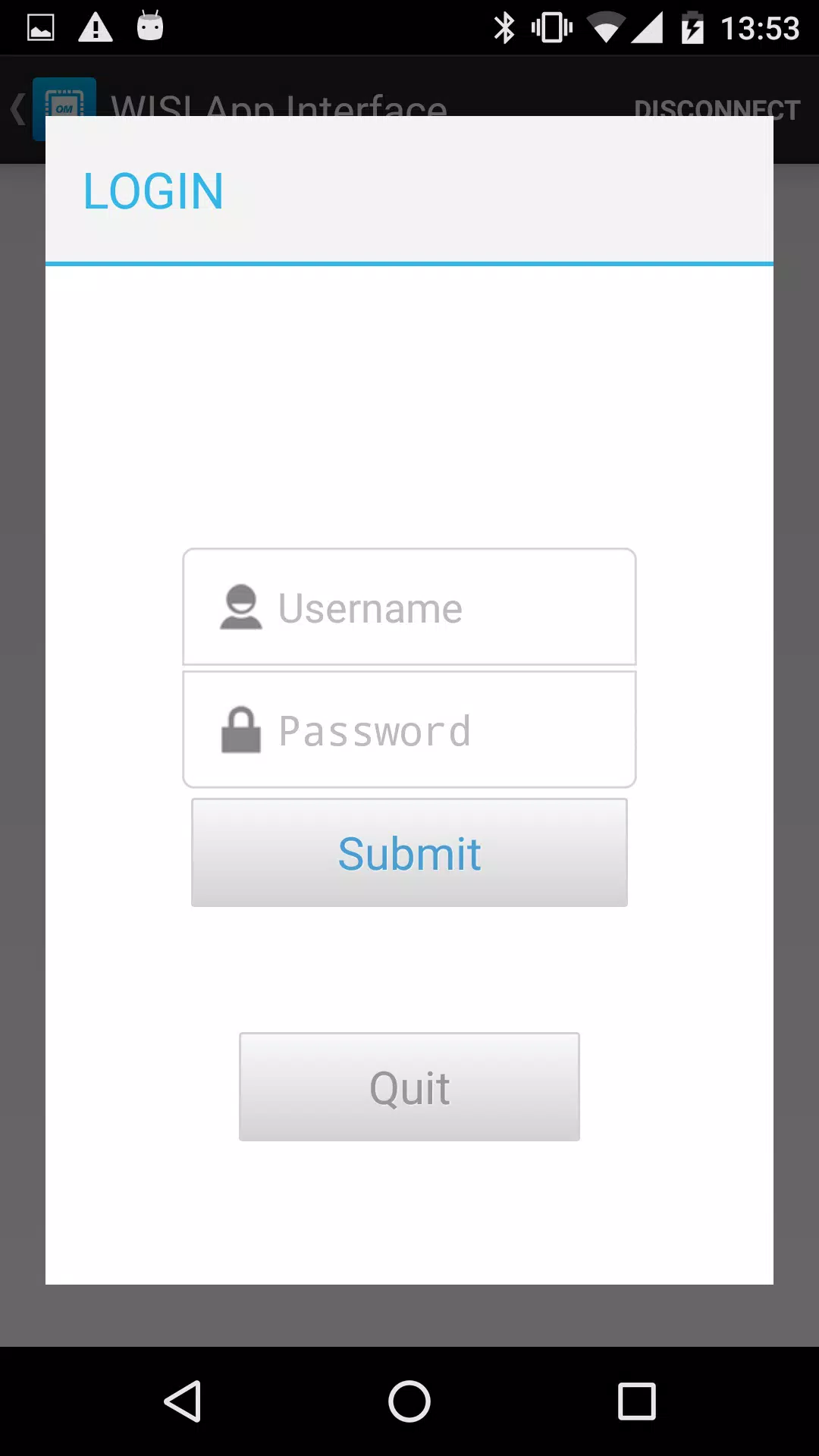
OM Manager is designed for offline operation over Bluetooth and does not require a persistent internet connection to perform configuration tasks. Credentials and configuration files are stored locally on the device; the app keeps user account handling internal to the device to limit exposure of sensitive data. Because the app depends on Bluetooth pairing, standard precautions apply: ensure you control physical access while pairing and be aware of any site rules or regulatory limits on wireless connections.
Supported Devices and Limitations
Supported hardware includes the OM 10 0646, OM 10 0648, OM 10F 0646 and OM 10F 0648 models. The current focus is the OM10 family; broader WISI device support is not listed in this release. Bluetooth-based configuration requires proximity to the headend unit and may be restricted in environments where wireless pairing or radio signals are limited. If you need wider device coverage or remote management beyond Bluetooth, consult your WISI documentation for alternative tools.
Installation and Troubleshooting
To get started, enable Bluetooth on your Android device and allow the app to discover nearby headends. If a unit does not appear, confirm the headend is powered and within range, restart the unit if possible and verify there are no active pairing restrictions on the site. If configuration transfers fail, check the app’s transfer progress indicators, retry the operation and use the locally saved configuration as a fallback. For device-specific firmware issues refer to the manufacturer’s instructions; OM Manager is intended to complement standard WISI setup procedures rather than replace vendor documentation.
Information

The Remote App Tool collection includes many Android apps that allow remote control. With the growing number of smart devices, it's easy to misplace remotes. These apps solve that problem, offering a convenient, free way to control your devices. They provide great convenience for your daily life!






User Comments

OM Manager is a mobile utility designed to simplify on-site configuration of WISI OM10 micro headend hardware from Android phones and tablets. OM Manager connects to supported OM10 devices over Bluetooth so technicians can discover units, review current settings and make adjustments to network parameters, user accounts and saved configurations without a PC. The app focuses on efficient, repeatable workflows for installation and routine maintenance, helping teams keep multiple headends consistent while reducing time spent traveling to a central workstation.

MAMUSDA 2019 is a mobile application designed to catalog and manage information about mosques and prayer halls as part of a Community Service Program (KKN) themed Berdaya. The app helps users find nearby mosques, view contact details, prayer schedules, available facilities, and historical background, making it easier to connect with local religious spaces. Users may want MAMUSDA 2019 for its centralized directory, interactive maps, and simple administrator tools that keep mosque profiles current—useful for community members, program coordinators, and anyone seeking reliable worship-place information.

moviedplays Madden NFL 17 is a free mobile app that delivers curated HD video tutorials and play breakdowns for players seeking to improve their Madden NFL 17 performance. The app installs a library of high-definition videos focused on plays, formations and in-game decision-making, presented through a simple, smartphone-friendly interface. Users will appreciate clear visual demonstrations that make advanced strategies easy to follow, whether they are casual players or competitive ones. By providing step-by-step walkthroughs and professional techniques, moviedplays Madden NFL 17 helps users learn faster and gain confidence while playing the football simulation on their device.

expo NAVIGATION is a native event navigation app built to make trade fairs and conferences easier to navigate, whether you are moving between halls, across outdoor exhibition areas or up and down multiple floors. expo NAVIGATION places schedules, interactive maps and exhibitor details in one consistent interface so attendees can find sessions, bookmark booths and capture contact information without juggling paper plans or separate websites. The design emphasizes clear, multi-level routing and simple controls so visitors and staff get accurate guidance in busy on-site conditions.

iPalika is an Android application that connects citizens with their local municipal office, providing a single place to receive notices, view upcoming programs, access important documents and contact officials. The app streamlines everyday interactions by offering one-click complaint submission, emergency contact details, and bilingual support in Nepali and English, so residents can report issues and stay informed quickly. Municipal staff use iPalika's employee login and dashboard to manage tasks, collect community data and push timely announcements. For anyone who wants easier access to local services and clearer communication with local government, iPalika simplifies and digitizes those routines.

kubenav - Kubernetes Dashboard is a cross-platform application for mobile and desktop that brings cluster operations into one consistent, readable interface so engineers can inspect, troubleshoot and act without switching tools. The app places core cluster concepts — clusters, namespaces, workloads and pods — into a single view and surfaces logs, events, resource YAML and an integrated remote shell so you can identify issues, apply fixes and scale resources directly from your phone or laptop.