
 X
X
 facebook
 WhatsApp
 Email
Email
Introduction
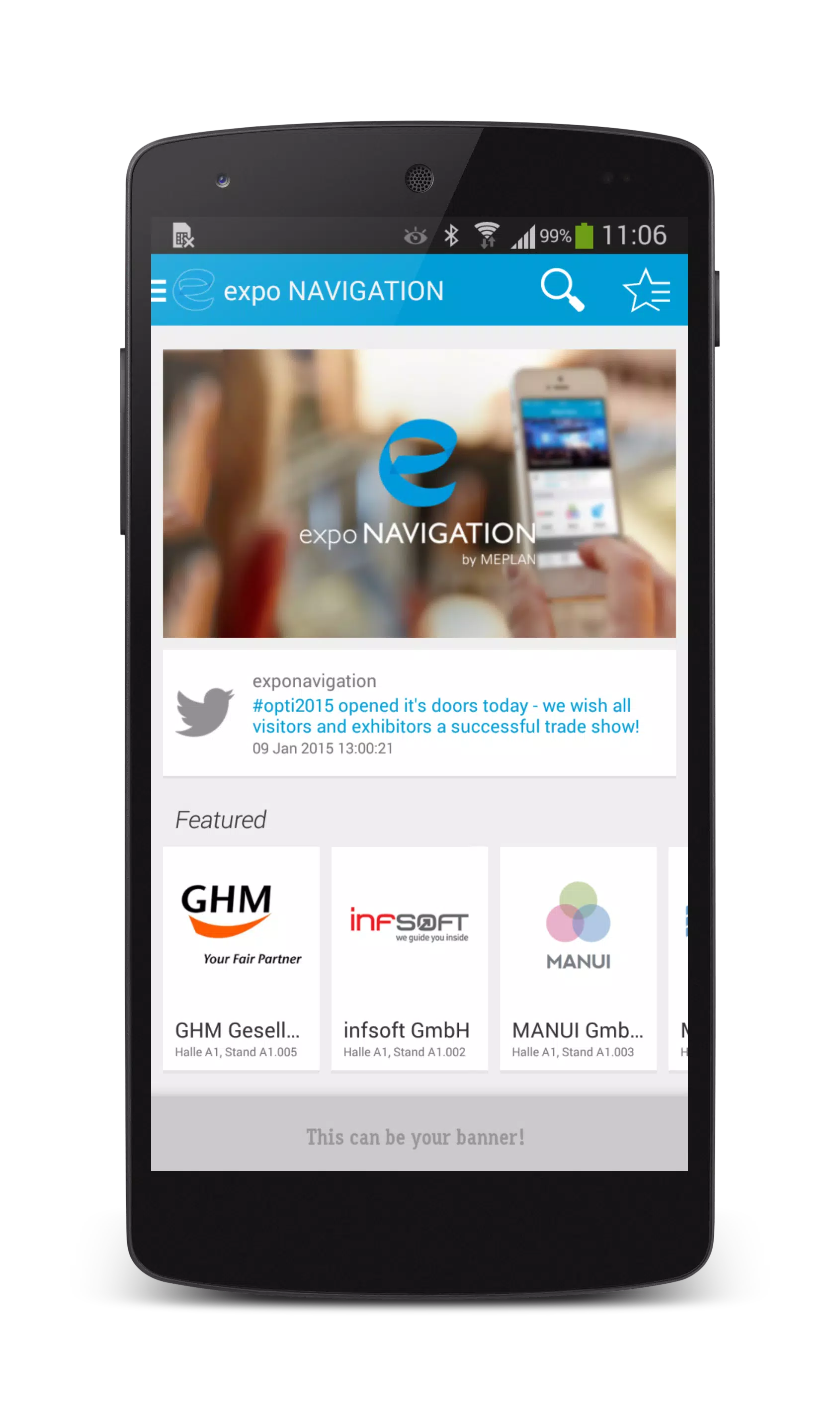
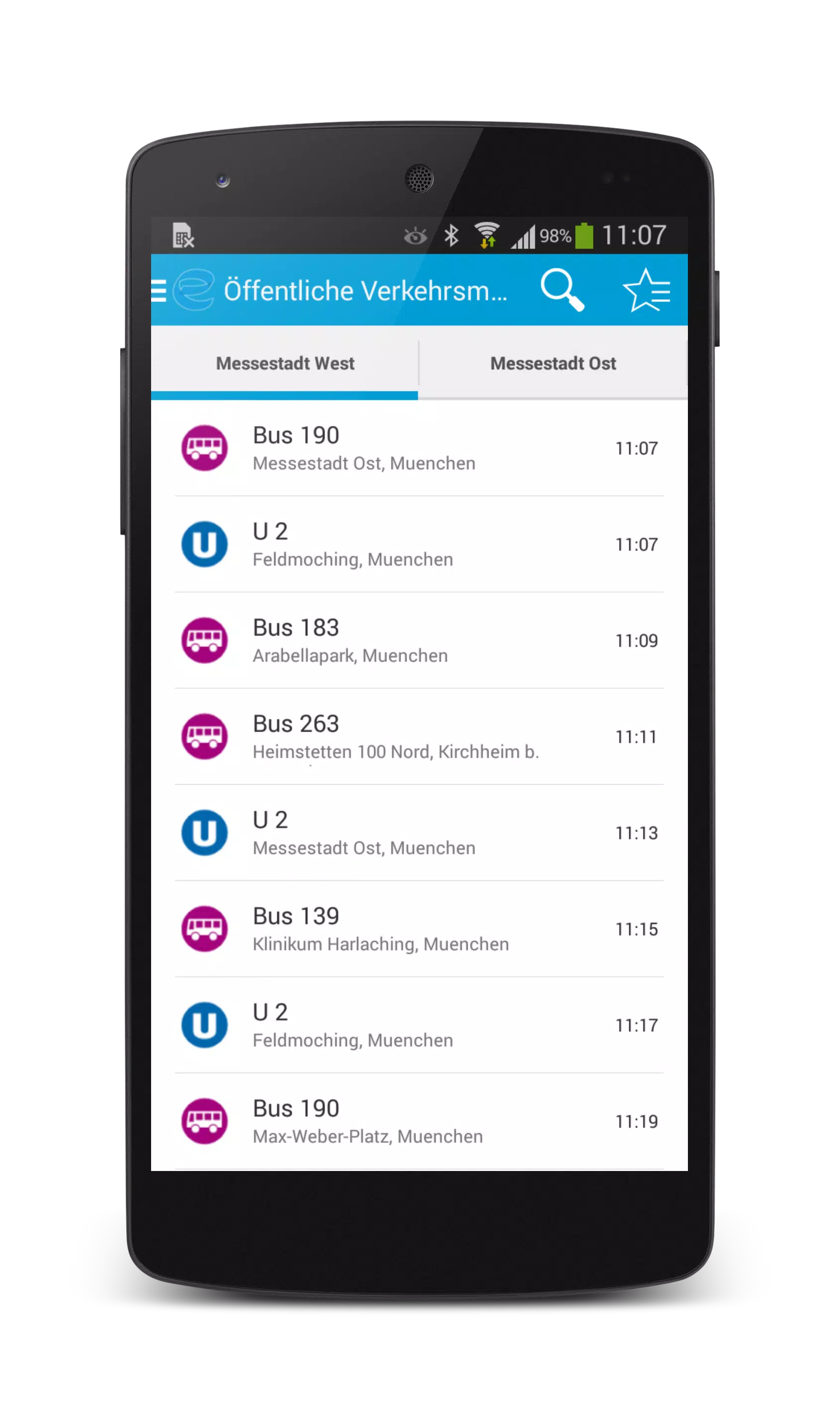
expo NAVIGATION is a native event navigation app built to make trade fairs and conferences easier to navigate, whether you are moving between halls, across outdoor exhibition areas or up and down multiple floors. expo NAVIGATION places schedules, interactive maps and exhibitor details in one consistent interface so attendees can find sessions, bookmark booths and capture contact information without juggling paper plans or separate websites. The design emphasizes clear, multi-level routing and simple controls so visitors and staff get accurate guidance in busy on-site conditions.
Key features and interaction mechanics
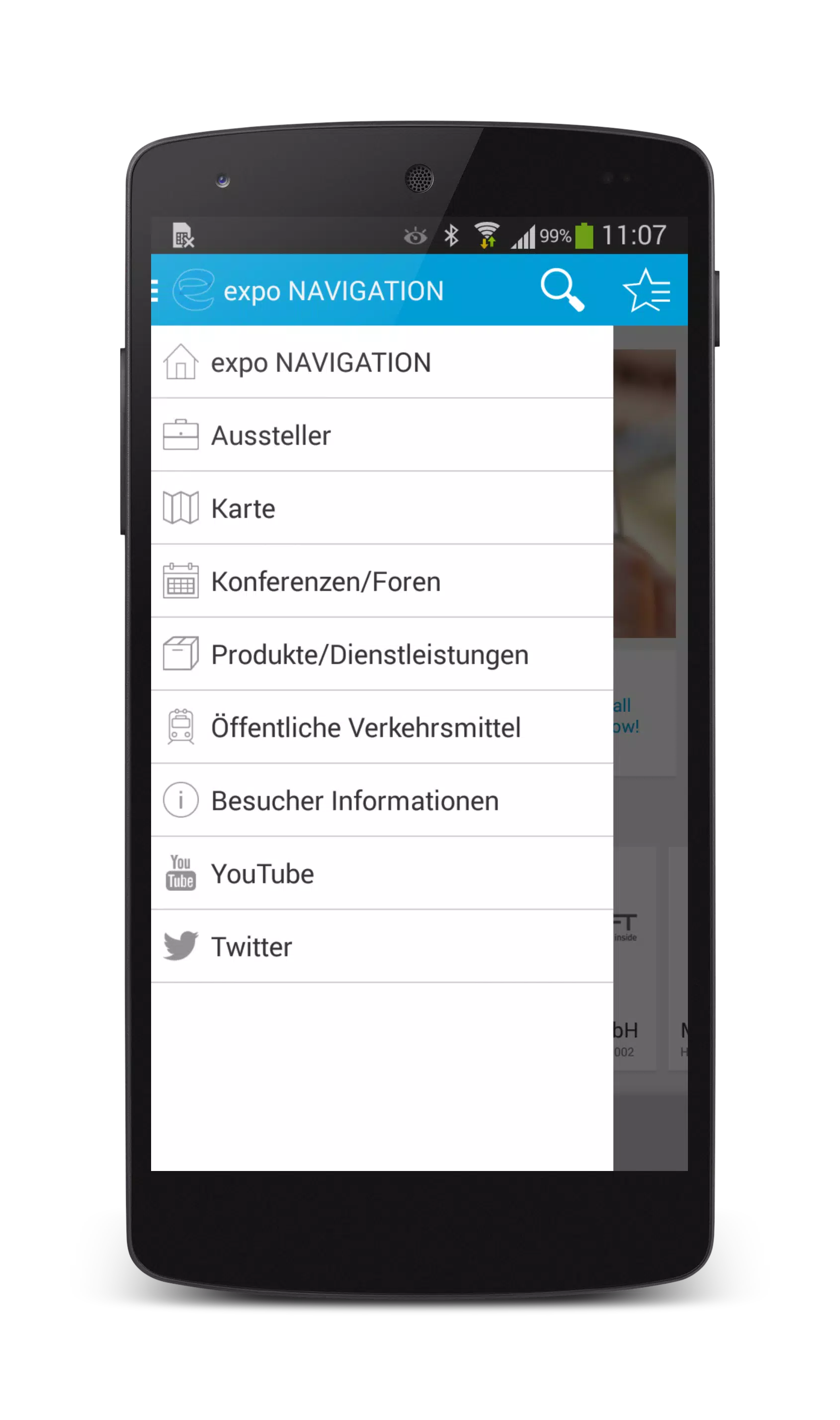
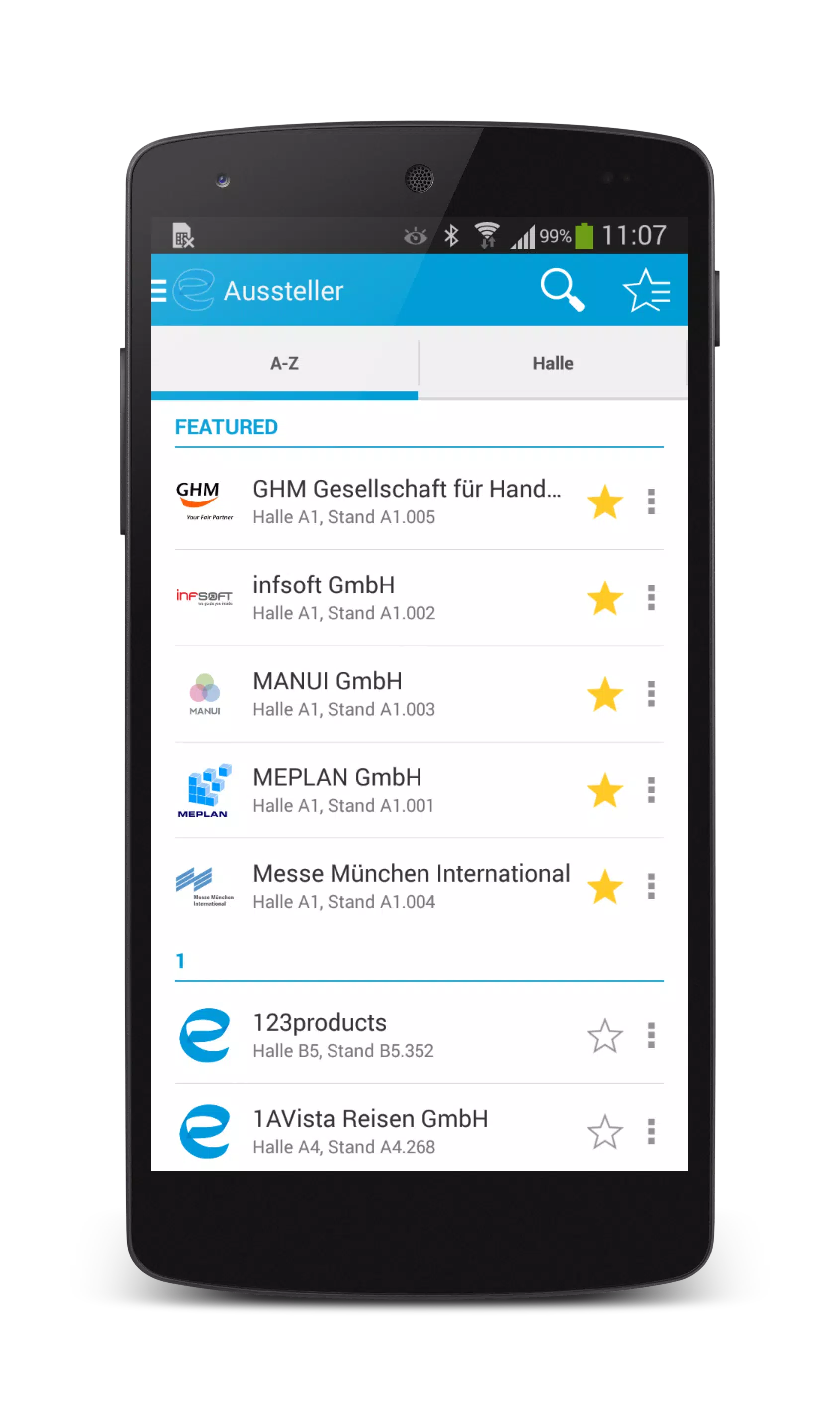
The app combines indoor/outdoor routing with floor-level awareness, allowing attendees to request a route and follow turn-by-turn guidance that adapts when moving between floors or into open-air areas. Users interact through familiar touch gestures: pinch to zoom maps, tap to open booth cards, swipe between schedule days and long-press to add bookmarks or notes. An integrated exhibitor database lets you search by company, product category or booth number and save favorites to a personal itinerary. Real-time feed elements, when enabled by organizers, display session status, crowd flow indicators and live updates so participants can make quick decisions about where to go next.
Controls, progression and personal planning
Controls are optimized for touch-driven navigation on Android phones and tablets with minimal learning curve: a consistent map toolbar, scheduled reminders and one-tap directions reduce friction. Progression in the app isn't about levels but about event workflow—building an agenda, completing visits, collecting contacts and following up. Users progress by checking into sessions, marking exhibitors visited and exporting saved contacts; these actions create a practical record of the event that supports post-show follow-ups. The in-app schedule supports filters and simple priority flags so attendees see the most relevant sessions as the day advances.
Visual style, map presentation and floor structure
expo NAVIGATION uses clear, high-contrast map tiles and legible icons designed for crowded environments and variable lighting. Map layers represent halls, outdoor plazas, conference rooms and service areas with distinct visual cues for stairs, elevators and escalators. Multi-floor maps are presented as stacked layers, allowing users to preview routes that cross levels and to tap to switch floor views. The visual approach favors clarity over decorative elements to reduce cognitive load while navigating complex venues.
Customization for organizers and reusability
Event planners can configure pages for schedules, sponsor listings, exhibitor profiles and custom content blocks that reflect an event's branding. expo NAVIGATION supports organizer-provided assets such as floor plans and sponsor banners and enables administrators to define search categories and featured exhibitors. Because the app centralizes event data, it remains useful across shows: organizers can reuse layouts and content templates to speed up setup and attendees benefit from consistent controls and familiar workflows at each new event.
Accessibility, offline use and device compatibility
The app includes accessibility considerations like scalable text sizes, high-contrast modes and clear touch targets to assist users with different needs. Where event organizers provide offline map packages and schedule exports, expo NAVIGATION can cache essential content so basic routing and exhibitor lookup work without constant connectivity; real-time features will resume when a network is available. Performance depends on device capabilities and map detail, so the app is optimized to reduce battery drain and to gracefully handle lower-end hardware.
Limitations and practical notes
Accurate indoor routing requires current venue maps and correct organizer setup, so event staff should plan time for map preparation and quality checks. Some real-time and positioning features rely on network coverage and device sensors; places with dense building materials can affect indoor positioning accuracy. expo NAVIGATION is designed to reduce on-site friction, but its effectiveness is highest when organizers supply up-to-date content and when attendees keep location services enabled for the best routing experience.
Information
User Comments

OM Manager is a mobile utility designed to simplify on-site configuration of WISI OM10 micro headend hardware from Android phones and tablets. OM Manager connects to supported OM10 devices over Bluetooth so technicians can discover units, review current settings and make adjustments to network parameters, user accounts and saved configurations without a PC. The app focuses on efficient, repeatable workflows for installation and routine maintenance, helping teams keep multiple headends consistent while reducing time spent traveling to a central workstation.

MAMUSDA 2019 is a mobile application designed to catalog and manage information about mosques and prayer halls as part of a Community Service Program (KKN) themed Berdaya. The app helps users find nearby mosques, view contact details, prayer schedules, available facilities, and historical background, making it easier to connect with local religious spaces. Users may want MAMUSDA 2019 for its centralized directory, interactive maps, and simple administrator tools that keep mosque profiles current—useful for community members, program coordinators, and anyone seeking reliable worship-place information.

moviedplays Madden NFL 17 is a free mobile app that delivers curated HD video tutorials and play breakdowns for players seeking to improve their Madden NFL 17 performance. The app installs a library of high-definition videos focused on plays, formations and in-game decision-making, presented through a simple, smartphone-friendly interface. Users will appreciate clear visual demonstrations that make advanced strategies easy to follow, whether they are casual players or competitive ones. By providing step-by-step walkthroughs and professional techniques, moviedplays Madden NFL 17 helps users learn faster and gain confidence while playing the football simulation on their device.

expo NAVIGATION is a native event navigation app built to make trade fairs and conferences easier to navigate, whether you are moving between halls, across outdoor exhibition areas or up and down multiple floors. expo NAVIGATION places schedules, interactive maps and exhibitor details in one consistent interface so attendees can find sessions, bookmark booths and capture contact information without juggling paper plans or separate websites. The design emphasizes clear, multi-level routing and simple controls so visitors and staff get accurate guidance in busy on-site conditions.

iPalika is an Android application that connects citizens with their local municipal office, providing a single place to receive notices, view upcoming programs, access important documents and contact officials. The app streamlines everyday interactions by offering one-click complaint submission, emergency contact details, and bilingual support in Nepali and English, so residents can report issues and stay informed quickly. Municipal staff use iPalika's employee login and dashboard to manage tasks, collect community data and push timely announcements. For anyone who wants easier access to local services and clearer communication with local government, iPalika simplifies and digitizes those routines.

kubenav - Kubernetes Dashboard is a cross-platform application for mobile and desktop that brings cluster operations into one consistent, readable interface so engineers can inspect, troubleshoot and act without switching tools. The app places core cluster concepts — clusters, namespaces, workloads and pods — into a single view and surfaces logs, events, resource YAML and an integrated remote shell so you can identify issues, apply fixes and scale resources directly from your phone or laptop.