
 X
X
 facebook
 WhatsApp
 Email
Email
Introduction
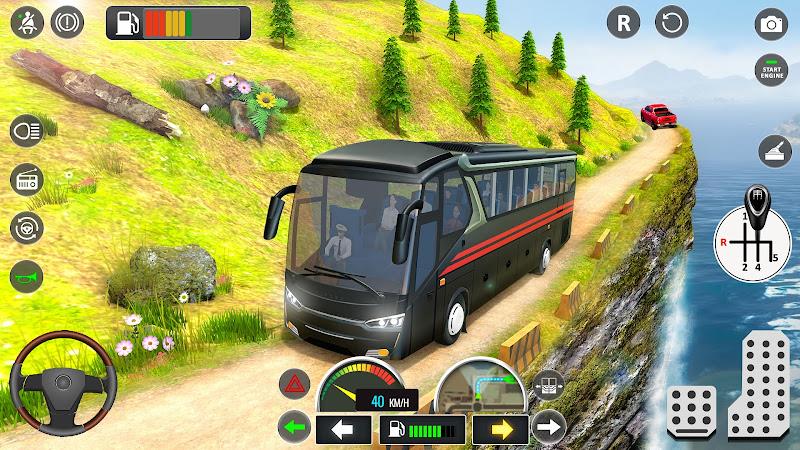
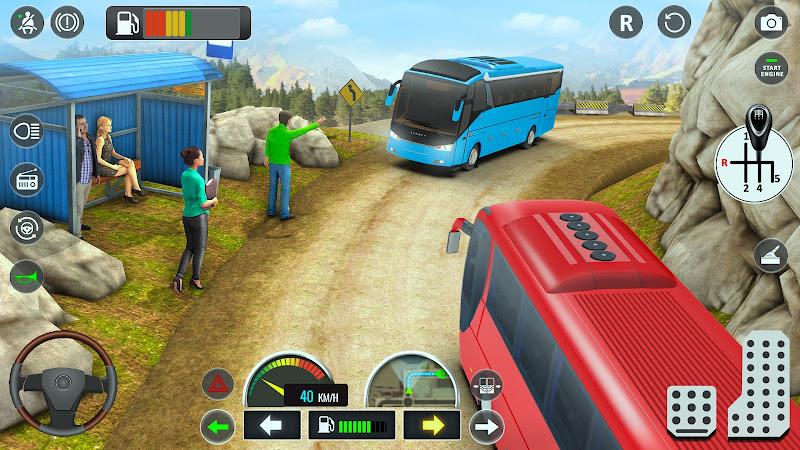
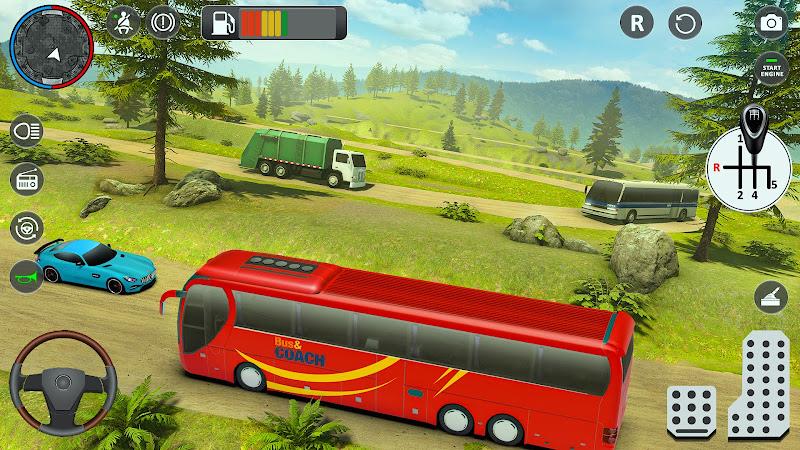
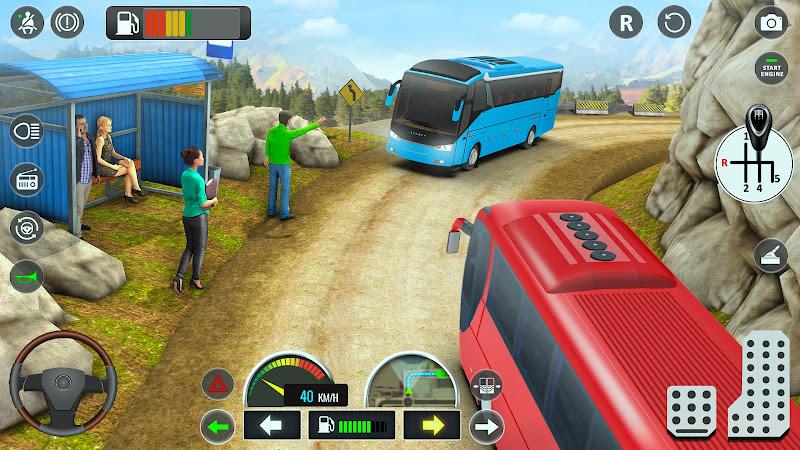
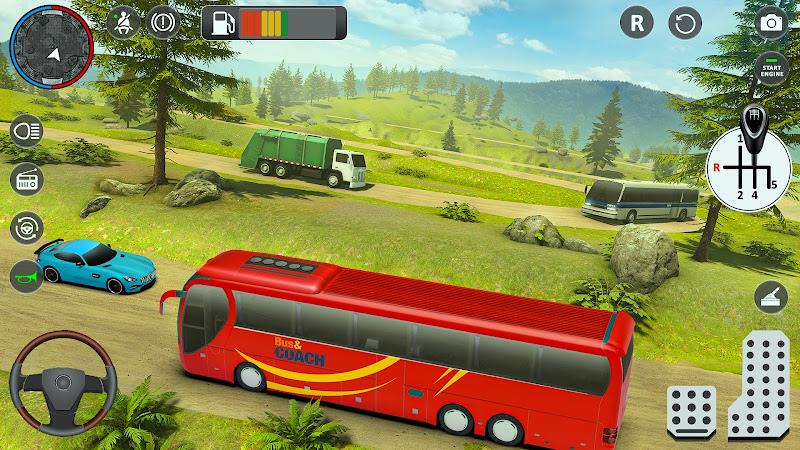
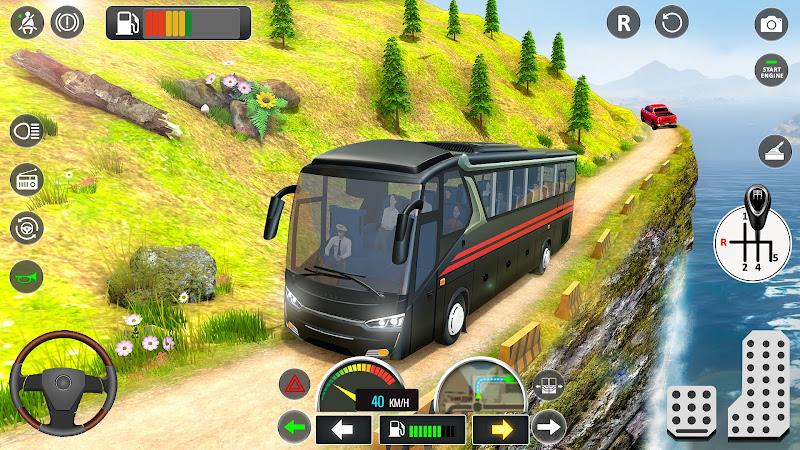
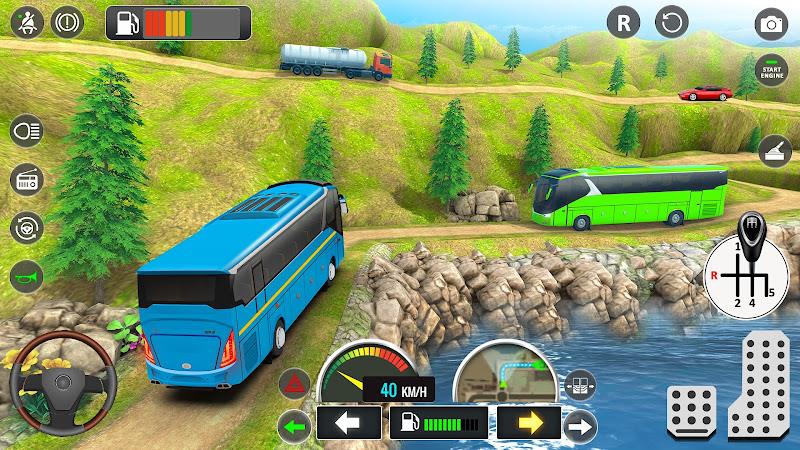
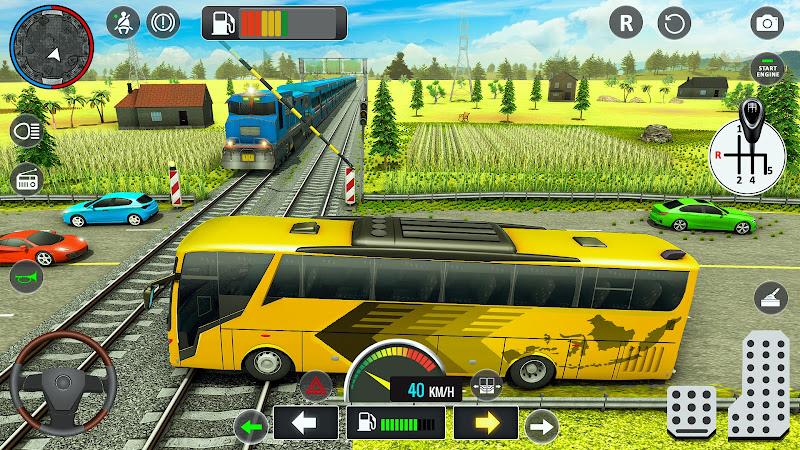
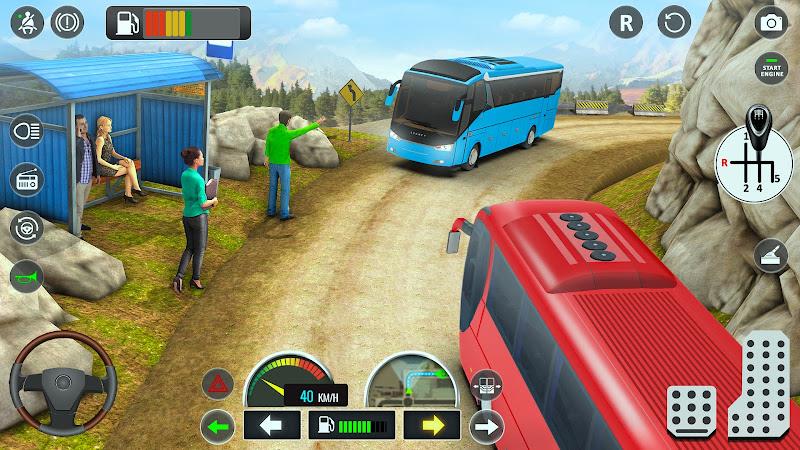
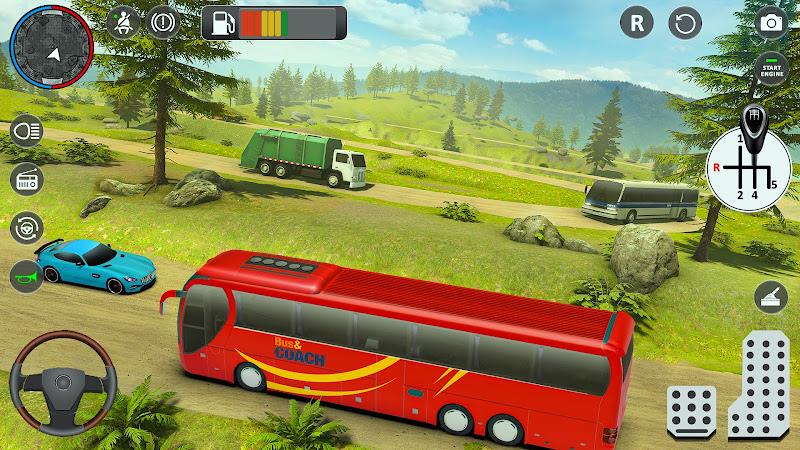
Bus Simulator 3D - Bus Games places you behind the wheel of modern coaches and realistic city buses, recreating urban and offroad passenger transport for players who want to practice driving, parking and route management in a compact offline simulator. The first minutes introduce steering, braking and passenger pick-up routines, and the game guides you through a mixture of structured tasks and open driving so you can build confidence at your own pace with Bus Simulator 3D - Bus Games.
Gameplay and Level Structure
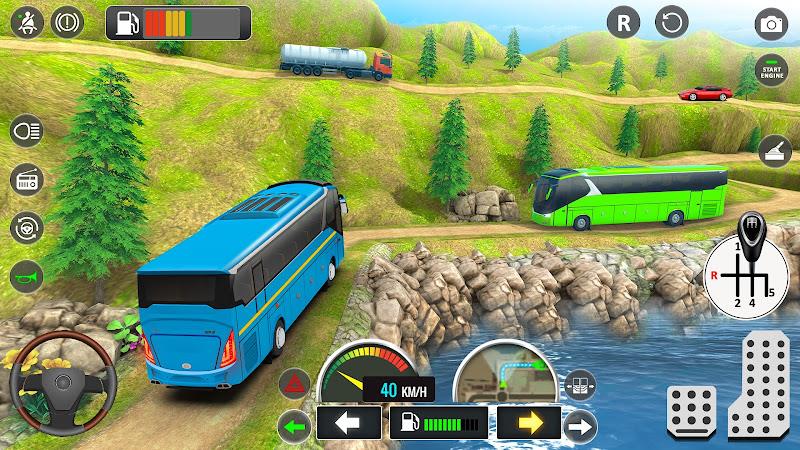
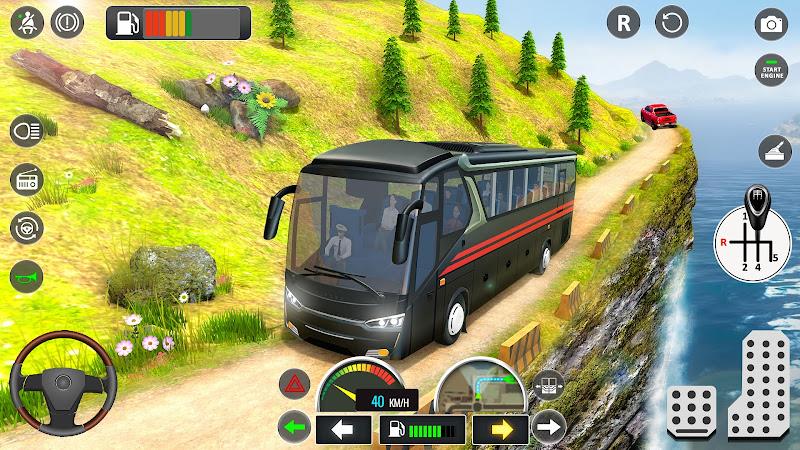
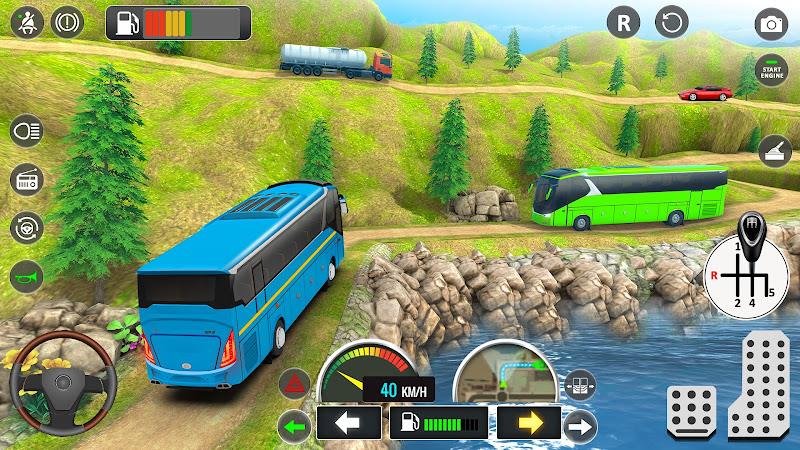
The gameplay balances guided assignments and free exploration across a variety of routes and scenarios. Levels are structured around passenger pickups, scheduled drops and specific parking challenges that require precision driving. City routes emphasize traffic rules, intersections and stop management, while offroad stretches test vehicle handling on rougher surfaces and narrower lanes. Each scenario is designed as a standalone task you can replay to refine technique, and an unlimited driving mode lets you practice routes or simply explore the map without time pressure.
Controls and Handling
Controls are tuned for touch devices with straightforward steering and pedal inputs that mimic coach dynamics without overwhelming new players. Steering sensitivity, brake response and camera perspectives can be adjusted to match your comfort level; these settings make the simulator accessible for beginners while allowing more experienced drivers to pursue tighter handling. The control layout supports gradual skill development, from easy steering aids to a more realistic feel as you disable assists and tackle advanced parking tasks.
Progression and Reward Systems
The progression system in Bus Simulator 3D - Bus Games revolves around completing routes and parking challenges to earn in-app currency that unlocks additional coach models and cosmetic upgrades. Rather than relying on continuous internet access, rewards accumulate offline so you can make steady progress during commute breaks or while traveling. Tasks increase in complexity over time, introducing longer routes, denser traffic patterns and tighter parking scenarios to keep the learning curve engaging without becoming repetitive.
Vehicle Variety and Customization
Vehicle selection includes several modern coach models that differ in size and handling characteristics, giving each bus a distinct driving feel. Customization focuses on visual and practical options, such as exterior liveries and minor performance tuning that influences handling nuances. Choosing different models and settings encourages players to adapt driving style and helps maintain replay value by making familiar routes feel new with each vehicle.
Visual Style and Environments
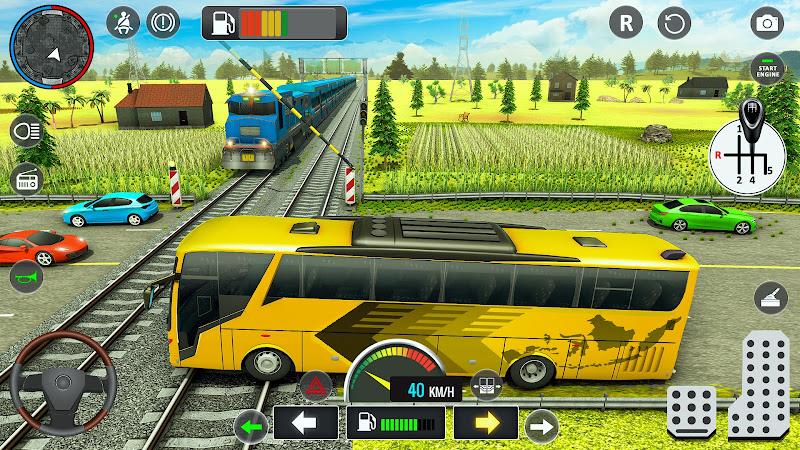
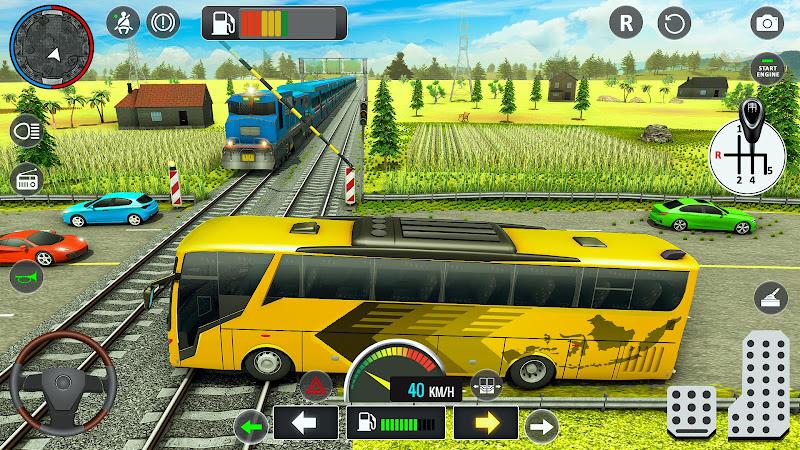
Graphically, the game emphasizes clear and detailed 3D environments that support immersion while remaining performance-friendly on a range of devices. Cityscapes include recognizable street furniture, traffic lights and pedestrian activity to create plausible urban traffic scenarios, while offroad stretches feature varied terrain, vegetation and weather effects that subtly affect traction. The visual design aims for a balance between realism and smooth performance for prolonged practice sessions.
Challenge Systems and Replay Value
Challenge systems are built around timed missions, precision parking objectives and route efficiency targets that measure how well you balance speed, safety and passenger comfort. Because each mission can be retried with different vehicles or control settings, the game naturally encourages experimentation. Daily or repeatable tasks, combined with an open driving mode, extend replay value by giving newcomers reasons to practice and experienced players goals to master.
User Experience and Accessibility
The interface and HUD prioritize clarity: essential information such as route maps, passenger stops and basic diagnostics are presented unobtrusively so drivers can focus on the road. Accessibility options include adjustable control sensitivity, optional driving aids and simplified camera modes for users who prefer larger visual targets or assistive layouts. The onboarding tutorial is brief but practical, covering core mechanics and control adjustments so new users can start with confidence.
Offline Play and Practical Training
An important advantage of Bus Simulator 3D - Bus Games is its offline functionality, which lets you train handling skills, improve parking techniques and run through route simulations without network requirements. Offline play makes it a useful tool for practicing in situations where connectivity is limited, and it preserves progress and earned currency locally so sessions remain productive regardless of location.
Final Notes on Suitability
This title is aimed at players interested in practical driving simulation rather than competitive online features, offering a focused single-player experience that combines realistic vehicle behavior with varied scenarios. With an emphasis on progressive challenges, adjustable controls and detailed environments, Bus Simulator 3D - Bus Games provides a steady training ground for drivers looking to sharpen their virtual coaching skills while enjoying accessible, repeatable gameplay.
Information
Other Games by the Same




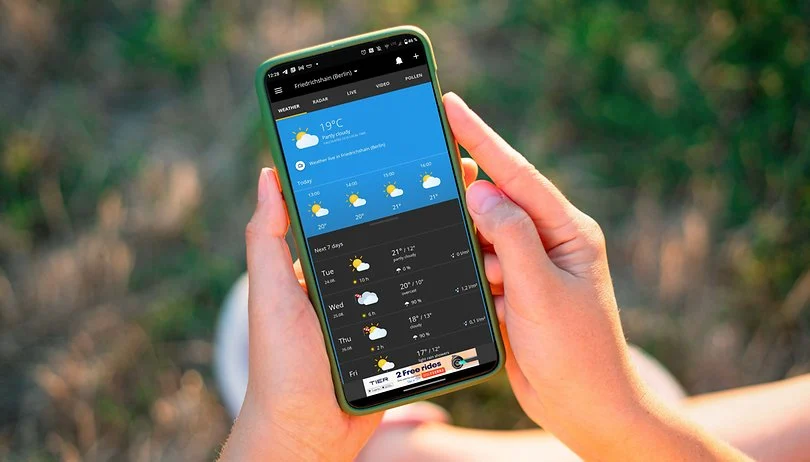
What are some reliable weather apps without ads? A great weather app not only helps you stay informed about daily weather conditions but also delivers accurate weather data. Some apps even come with smart voice alerts, ensuring you're always prepared when heading out. These weather apps are ad-free, with all forecasts and updates sourced from trusted meteorological organizations, providing you with the most precise information. If you're looking for such a tool, download and try one today!



User Comments

Game Planet -StartGameUniverse is a discovery app for mobile players that helps you find and play more than 1,000 games across genres like arcade, racing, adventure, puzzle, sports, shooting, board and strategy. It works as a curated hub with clear categories, personalized customization and intelligent recommendations so you can quickly surface titles that match your tastes. The app highlights both native Android releases and HTML5 titles you can play online, and updates its featured lists regularly to keep the catalog fresh. If you enjoy browsing new games instead of hunting for them, this app streamlines discovery and saves time.
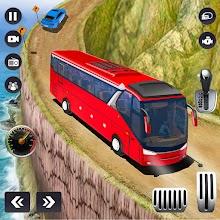
Bus Simulator 3D - Bus Games places you behind the wheel of modern coaches and realistic city buses, recreating urban and offroad passenger transport for players who want to practice driving, parking and route management in a compact offline simulator. The first minutes introduce steering, braking and passenger pick-up routines, and the game guides you through a mixture of structured tasks and open driving so you can build confidence at your own pace with Bus Simulator 3D - Bus Games.

PicklePlay organizes, schedules and manages pickleball games, making coordination with friends and local groups simple and reliable. The app lets you create public or private sessions, invite players, manage rosters and waitlists, assign partners, and run structured events like round-robin tournaments with automatic scheduling and live standings. PicklePlay also supports bracket play with pool assignments and in-game group chat so teams can communicate in real time. Whether you’re arranging a casual weekend meet-up or running a competitive event, PicklePlay centralizes sign-ups, pairings, and results so you can stop juggling messages and focus on playing.

Moonlight is a lightweight, open-source streaming client that lets you play PC games, run desktop applications, or mirror your full PC screen on an Android device while sending keyboard, mouse, and controller input back to the host. Moonlight is designed to deliver low-latency performance at high resolutions and refresh rates, supporting surround sound and modern codecs, and it runs without ads or locked features so you can focus on a flexible streaming experience. Whether you want to move a demanding title from your desktop to a tablet, access productivity apps remotely, or use a controller away from your desk, this app provides a capable bridge between your PC and Android device.

TV ZUCATELLI is a focused content platform that brings agribusiness coverage and motor industry opportunities into a single mobile app. It aggregates specialized reporting, production-sector news, and curated business leads for automobiles and motorcycles, offering professionals and enthusiasts a streamlined resource to track market developments, technical trends, and commercial prospects. Users looking to stay informed about farming production topics while keeping an eye on vehicle deals and industry updates will find TV ZUCATELLI useful, because it reduces the time spent switching between sources and concentrates relevant information in one place.
People Playground is a sandbox simulation app that lets users experiment with ragdoll characters and environmental objects in an open-world setting; it appeals to creators who enjoy freeform physics experiments, scene building, and discovering unpredictable interactions. The tool gives you drag-and-drop controls to spawn characters, place explosives, lava, electric fences and other props, and then observe how those elements interact. People Playground is ideal for users who want a creative, physics-driven sandbox to design scenes, test cause-and-effect setups, and customize ragdoll attributes and behaviors for unique results.
