

 X
X
 facebook
 WhatsApp
 Email
Email
Introduction
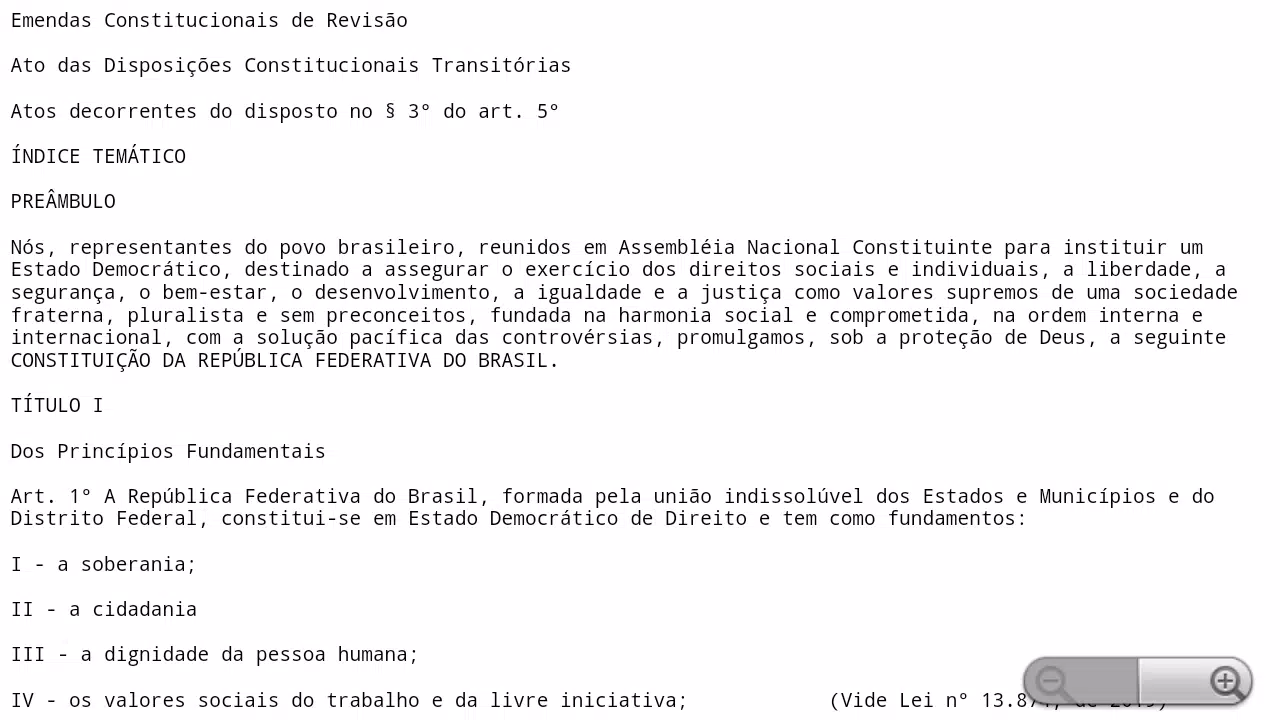
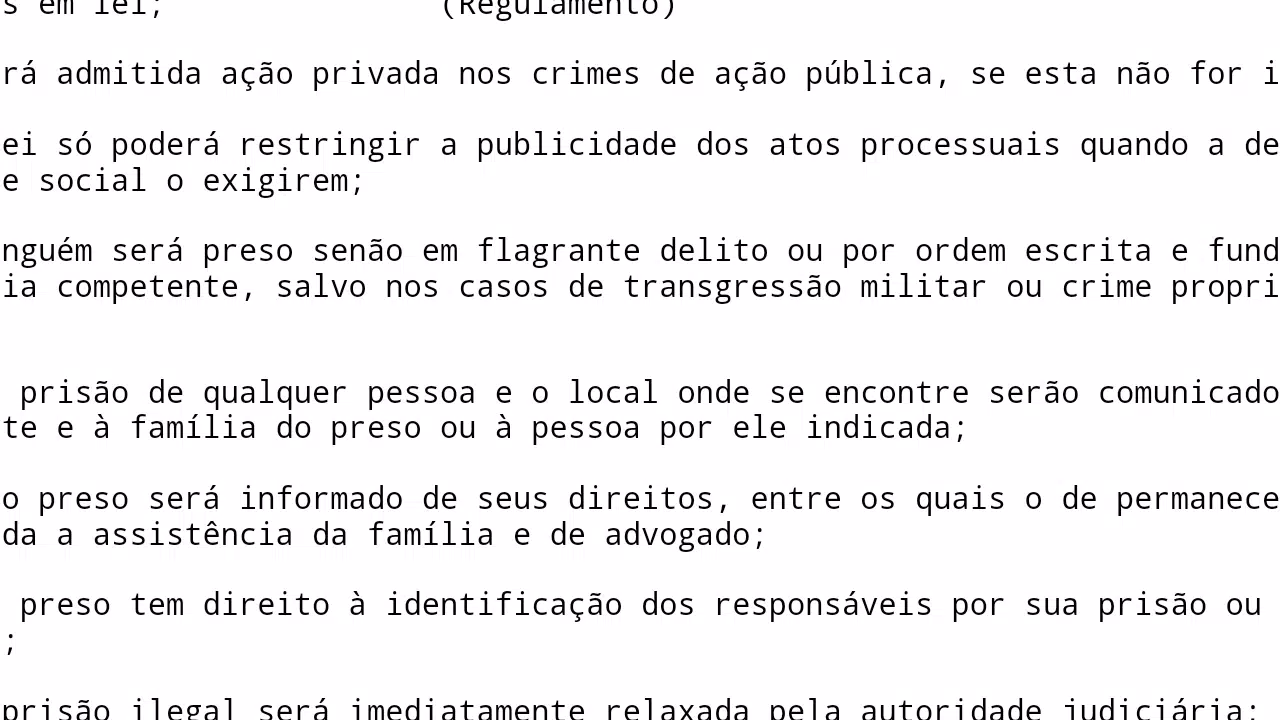
Constituição brings the 1988 Brazilian Constitution to audio, and Constituição makes the full text listenable on mobile devices—Constituição is ideal for law students, candidates preparing for public exams, legal professionals and curious citizens who prefer studying by ear while they move through their day. This app converts the constitutional text into a structured audio experience so listeners can follow articles and sections without being tied to printed pages; it suits commuters, people exercising, or anyone who wants to review foundational law during routine activities.
What the app does
The audio edition presents the Constitution in a clear, paced narration with chapter markers that correspond to titles, chapters and articles of the 1988 text. Navigation is organized so users can jump directly to major headings, specific articles or indexed topics, making targeted review practical. Play, pause and skip controls are designed for quick access, and the interface shows the current article title so listeners always know which provision is being read.
Controls and interaction
Playback controls are straightforward: standard play and pause, skip forward and back by section, and a persistent progress bar for the current chapter. Adjustable playback speed helps users match their listening pace for comprehension or revision, while a sleep timer and background audio support let the app fit into daily routines without disruption. The app also offers simple bookmarking so you can save a point to return to later and a search-by-article option that speeds up locating the exact provision you need.
Progression and study flow
Progression is structured around the Constitution’s natural divisions: titles, chapters, sections and articles. Each listening session can be planned as short focused segments or longer continuous readings depending on study goals. The app supports sequential listening for an overview of constitutional structure and targeted jumps for exam preparation, enabling spaced repetition as users revisit high-priority articles such as Article 6 on social rights or fundamental principles.
Visual style and accessibility
The user interface favors clarity and legibility with a calm, low-contrast visual palette designed to reduce eye strain for extended use. Headings and article numbers are prominently displayed, and text transcripts accompany audio passages to support cross-referencing when precise wording matters. Accessibility features include readable font sizes, simple navigation gestures and compatibility with standard screen readers so users with visual impairment can access constitutional content more easily.
Customization and personalization
Constituição lets listeners tailor their experience: adjust playback speed to suit comprehension, create bookmarks for priority articles, and use the built-in index to assemble a personal study sequence. The app records simple listening history so users can pick up where they left off and track which sections they have completed. These personalization options help integrate constitutional study into varied daily schedules without overhauling existing routines.
Structure, replay value and challenge
Because the Constitution is a reference text, the app emphasizes repeatable access rather than a one-time walkthrough. Frequent re-listening reinforces retention and supports exam-style review. For self-challenge, listeners can set targeted goals such as completing a title each week or reviewing all social rights articles, turning routine listening into a measurable study progression that improves long-term recall.
User experience and practical notes
The listening experience minimizes friction: compact controls, clear chapter headers and the ability to resume playback immediately. While the audio format speeds comprehension for many learners, users should be aware that exact legal drafting and precise citation still require consulting the written text; the app is a study and access tool, not a replacement for legal research or official citation. For precision work, combine audio review with the written Constitution when exact phrasing is necessary.
Who benefits
Constituição is useful for a wide audience: students preparing for competitive exams, bar candidates consolidating constitutional principles, professionals refreshing core provisions, and engaged citizens who want to build civic knowledge without dedicating uninterrupted reading time. The audio approach widens access by making constitutional material more approachable for auditory learners and those with limited time, while retaining pathways to the written text when detailed study is required.
Information
Social networking apps have become essential tools in everyday life, making communication with others more convenient. These apps allow you to easily stay in touch with old friends while also providing opportunities to meet new people, helping to expand your social network beyond its usual boundaries. This page features a handpicked selection of the best social apps, making it your go-to choice for mobile socializing!






User Comments

OM Manager is a mobile utility designed to simplify on-site configuration of WISI OM10 micro headend hardware from Android phones and tablets. OM Manager connects to supported OM10 devices over Bluetooth so technicians can discover units, review current settings and make adjustments to network parameters, user accounts and saved configurations without a PC. The app focuses on efficient, repeatable workflows for installation and routine maintenance, helping teams keep multiple headends consistent while reducing time spent traveling to a central workstation.

MAMUSDA 2019 is a mobile application designed to catalog and manage information about mosques and prayer halls as part of a Community Service Program (KKN) themed Berdaya. The app helps users find nearby mosques, view contact details, prayer schedules, available facilities, and historical background, making it easier to connect with local religious spaces. Users may want MAMUSDA 2019 for its centralized directory, interactive maps, and simple administrator tools that keep mosque profiles current—useful for community members, program coordinators, and anyone seeking reliable worship-place information.

moviedplays Madden NFL 17 is a free mobile app that delivers curated HD video tutorials and play breakdowns for players seeking to improve their Madden NFL 17 performance. The app installs a library of high-definition videos focused on plays, formations and in-game decision-making, presented through a simple, smartphone-friendly interface. Users will appreciate clear visual demonstrations that make advanced strategies easy to follow, whether they are casual players or competitive ones. By providing step-by-step walkthroughs and professional techniques, moviedplays Madden NFL 17 helps users learn faster and gain confidence while playing the football simulation on their device.

expo NAVIGATION is a native event navigation app built to make trade fairs and conferences easier to navigate, whether you are moving between halls, across outdoor exhibition areas or up and down multiple floors. expo NAVIGATION places schedules, interactive maps and exhibitor details in one consistent interface so attendees can find sessions, bookmark booths and capture contact information without juggling paper plans or separate websites. The design emphasizes clear, multi-level routing and simple controls so visitors and staff get accurate guidance in busy on-site conditions.

iPalika is an Android application that connects citizens with their local municipal office, providing a single place to receive notices, view upcoming programs, access important documents and contact officials. The app streamlines everyday interactions by offering one-click complaint submission, emergency contact details, and bilingual support in Nepali and English, so residents can report issues and stay informed quickly. Municipal staff use iPalika's employee login and dashboard to manage tasks, collect community data and push timely announcements. For anyone who wants easier access to local services and clearer communication with local government, iPalika simplifies and digitizes those routines.

kubenav - Kubernetes Dashboard is a cross-platform application for mobile and desktop that brings cluster operations into one consistent, readable interface so engineers can inspect, troubleshoot and act without switching tools. The app places core cluster concepts — clusters, namespaces, workloads and pods — into a single view and surfaces logs, events, resource YAML and an integrated remote shell so you can identify issues, apply fixes and scale resources directly from your phone or laptop.